How to Optimise for AI Overviews: A Practitioner's Guide
How to optimize for AI Overviews and AI Mode: what Google requires, the formatting and E-E-A-T work that earns citations, and what to do if clicks fall.

Short answer
To optimise for AI Overviews, start with Google's official position: there are no special requirements. A page must be indexed and eligible to show a snippet. Beyond that, the practical levers are answer-first formatting, covering the sub-questions Google fans out to, clear E-E-A-T signals, accurate structured data and measuring conversions rather than raw clicks.
Key takeaways
- Google states that AI Overviews and AI Mode have no special optimisation requirements: a page must be indexed and eligible to show a snippet in Search.
- AI Overviews appear most often on informational, multi-part and comparison queries, and rarely on navigational or simple transactional searches.
- Pages that answer the main question in the first two or three sentences and then cover related sub-questions are easier for Google to cite when it fans a query out.
- Structured data helps Google understand a page but is not a ticket into AI Overviews; it must match visible content.
- If AI Overviews reduce your clicks, measure conversions and assisted conversions, prioritise queries where clicks still happen and make your page the cited source.
In this article (13 sections)
- 1What Google officially says about AI Overviews and AI Mode
- 2Which queries trigger AI Overviews?
- 3Answer-first formatting that gets lifted
- 4Featured snippets and People Also Ask
- 5Cover the sub-questions: query fan-out
- 6How AI Mode differs from AI Overviews
- 7E-E-A-T signals and structured data: what actually matters
- 8Snippet controls: deciding what Google can use
- 9How to see whether you're cited in AI Overviews
- 10AI Overviews reduced my clicks: what should I do?
- 11Where should budget go if organic clicks shrink?
- 12When AI Overviews optimisation is not your priority
- 13How to optimise for AI search beyond Google
If you want to know how to optimize for AI Overviews, the honest starting point is that Google says you don't need to do anything special. That sounds like a non-answer, but it is the most important fact in this guide, and everything useful builds on top of it.
In the audits I run, the sites that show up in AI Overviews are rarely doing anything exotic. They are well indexed, clearly written, trusted on their topic and structured so that a specific answer is easy to lift. This guide separates Google's official position from the practical layer that actually moves the needle.
The approach here is the one behind two of my client projects: 900+ Keywords in AI Overviews for a General Insurer and From Zero to 150 US Keywords in Google AI Overviews for a US staffing firm.
What Google officially says about AI Overviews and AI Mode
Google's documentation on AI features and your website is short and blunt. There are no additional requirements to appear in AI Overviews or Google AI Mode, and no special markup or file you need to create.
To be eligible as a supporting link, a page must be:
- Indexed in Google Search
- Eligible to be shown with a snippet
- Compliant with Google's normal Search technical requirements and spam policies
That means the foundations of standard SEO are the foundations of AI Overviews SEO. If your pages have crawl problems, thin content or indexing gaps, fix those before anything else. My SEO audit checklist covers the technical basics in the order I check them.
Google's own best practices for AI features
The same page lists the practices Google recommends for doing well in its AI features. They are easy to skim past, so here they are in plain terms:
- Page experience. Pages should load well and be usable on every device, with the main content easy to find.
- Important content in text. Put the key information in text on the page, not only in images, video or scripts.
- Quality images and video. Support your text with good images and video where they help the reader.
- Structured data that matches visible content. Markup should describe what is actually on the page.
- Current Merchant Center and Business Profile information. If you sell products or serve a local area, keep your product data and Google Business Profile accurate and up to date.
None of these are new or AI-specific, which is rather the point.
Which queries trigger AI Overviews?
Not every search gets an AI Overview, so the first job is to find out where they appear in your market. From what I see across client keyword sets, the pattern is fairly consistent.
| Query type | AI Overview likelihood | Example |
|---|---|---|
| Informational "how" and "why" | High | how to reduce churn in SaaS |
| Comparisons and "vs" | High | hubspot vs salesforce for startups |
| Multi-part or conditional | High | best crm for a 10-person sales team in india |
| Definitions | Medium | what is marketing operations |
| Local and "near me" | Lower (map pack dominates) | seo consultant mumbai |
| Navigational and brand | Low | ahrefs login |
| Simple transactional | Low to medium | buy running shoes online |
Run your priority keywords through Google manually, in an incognito window and in the locations you serve, and log which ones show an AI Overview. Tools help at scale, but a manual pass of 50 to 100 queries gives you a baseline in an afternoon.
Answer-first formatting that gets lifted
AI Overviews synthesise answers from several pages. The pages that get cited usually contain a passage that answers a specific question cleanly, without the reader needing surrounding context.
What I ask writers to do:
- Put a direct 40 to 60 word answer immediately under the heading that asks the question.
- Use headings that mirror how people phrase the question, not clever labels.
- Keep paragraphs to three sentences or fewer, each carrying one idea.
- Use tables for comparisons and numbered lists for processes.
- State facts precisely: names, conditions, ranges and caveats, rather than vague claims.
This is the same discipline that wins featured snippets, and it is the core of what people now call answer engine optimisation. If you're unsure where AEO ends and GEO begins, read my breakdown of SEO vs AEO vs GEO.
Featured snippets and People Also Ask
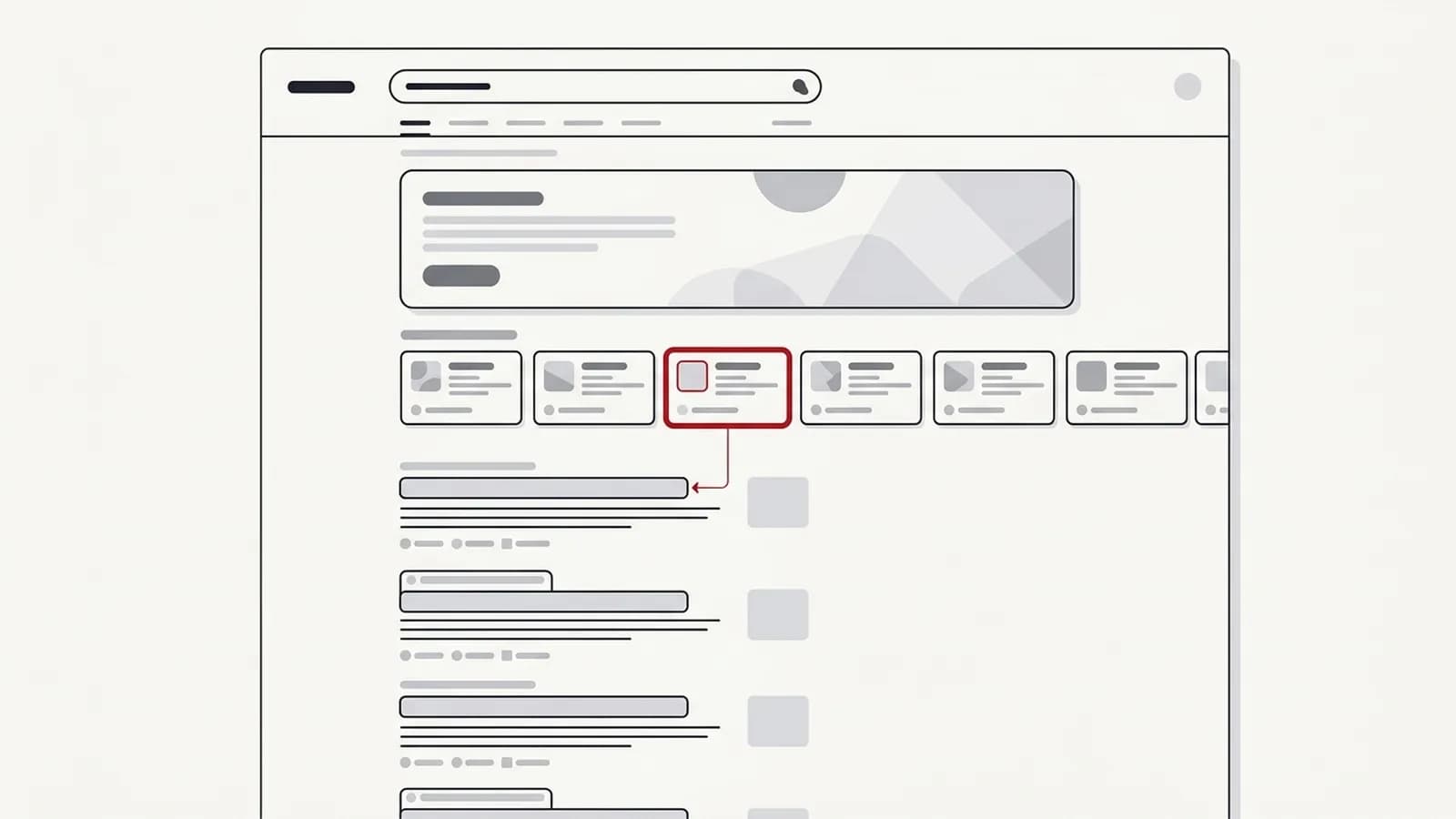
Featured snippets and People Also Ask answers reward the same thing AI Overviews do: a short, self-contained answer that sits directly under a clear question. In the keyword sets I check, the pages that already win snippets and PAA answers are often among the sources an AI Overview draws on for the same topic. That isn't a guarantee, but it makes them a useful place to start.
- Start with what you already hold. Note which priority queries show your page in a featured snippet or a PAA answer; those pages are the closest to being cited and usually need only tightening.
- Study the answers you don't hold. Where a competitor owns the snippet, compare the length, format and directness of their answer with yours.
- Use one format for all three. A question heading, a direct answer in the first two or three sentences, then supporting detail, lists or a table, works for snippets, PAA and AI Overviews alike.
Cover the sub-questions: query fan-out
Google has described AI Mode as using a "query fan-out" technique: it breaks a question into related sub-queries, searches for each, and assembles the results. AI Overviews work on a similar principle for complex queries.
The practical implication is that a page answering only the headline question competes on one sub-query. A page that also answers the natural follow-ups has more chances to be retrieved. For a query like "how to choose an ERP for a manufacturing SME", the fan-out likely includes cost, implementation time, integration with existing accounting, on-premise vs cloud and common failure points.
To map sub-questions for a topic:
- Look at the People Also Ask box and the follow-up suggestions in AI Mode
- Check the questions your sales team hears on calls
- Review Search Console queries that already bring impressions to the page
- Note what the current AI Overview covers, and what it skips
Then cover each sub-question with its own heading and a direct answer. Don't pad; one clear paragraph per sub-question often beats a long essay.
How AI Mode differs from AI Overviews
The two features share the same eligibility rules, but they behave differently.
| Dimension | AI Overviews | AI Mode |
|---|---|---|
| Where it appears | A summary at the top of the normal results page | A separate, conversational tab in Google Search |
| How people use it | A single search, then they scan or click | A back-and-forth, with follow-up questions |
| How it finds sources | Draws on results for the query, with fan-out on complex questions | Leans heavily on query fan-out across many related sub-queries |
| Reporting | Included in Search Console's Performance report under Web | Also included under Web, with no separate filter |
In practice, AI Mode rewards the same work as AI Overviews, with more weight on depth. Because it fans a question out and invites follow-ups, pages that cover the natural next questions on a topic have more chances to be retrieved than pages that answer only the headline query. If your page answers "what is it", "how much does it cost", "how long does it take" and "what goes wrong", it can be useful at several points in one AI Mode conversation.
E-E-A-T signals and structured data: what actually matters
Google's systems favour sources that look experienced and trustworthy on the topic. For AI Overviews, that is amplified: Google is putting its own summary on top, so it leans towards sources it trusts.
Signals I prioritise:
- Named authors with real bios and a visible track record on the subject
- First-hand detail: process steps, screenshots, specific trade-offs, things only a practitioner would know
- Consistent entity information about your organisation across your site, Google Business Profile and credible third-party mentions
- Up-to-date content with a visible updated date that reflects real revisions
Structured data has a real but narrower role than most people think. Organization, Article and Product markup help Google understand what a page is and who is behind it. It does not force inclusion in an AI Overview, and Google asks that markup matches the visible content of the page. Treat schema as clarity about your content, not a ranking hack or a route to special search features.
Snippet controls: deciding what Google can use
Because AI Overviews draw on snippet-eligible content, the standard snippet controls apply. This matters for publishers and for businesses with gated or sensitive material.
| Control | What it does | When to use it |
|---|---|---|
nosnippet meta tag | Blocks snippets and AI feature use for the page | Content you never want summarised |
data-nosnippet attribute | Blocks a specific section | Pricing tables or legal text you want read in context |
max-snippet:[n] | Limits snippet length | Partial control over how much is quoted |
noindex | Removes the page from Search entirely | Pages that shouldn't be found at all |
Be deliberate. Restricting snippets reduces what Google can quote, which usually reduces your chance of being cited. Most businesses should leave their core commercial and educational pages fully eligible.
How to see whether you're cited in AI Overviews
Search Console includes AI Overview and AI Mode traffic in the Performance report under the Web search type, but it doesn't break it out as a separate filter. So you need a combination of methods.
- Manual checks for your top queries, logged in a spreadsheet with date, location, whether an AI Overview appeared and which domains were cited.
- Rank tracking tools that now flag AI Overview presence and cited URLs. I compare the options in my guide to AI visibility tools.
- Search Console patterns: rising impressions with falling CTR on informational queries often signals an AI Overview above you.
For a fuller framework, including ChatGPT and Perplexity, see how to measure AI search visibility.
AI Overviews reduced my clicks: what should I do?
This is the question I hear most from founders right now: does AI Overviews reduce website traffic? For many informational queries, yes, clicks can fall when the answer is summarised on the results page. Denying it doesn't help anyone. What helps is changing what you optimise for.
Measure conversions, not just sessions. A fall in blog traffic can coincide with steady or rising enquiries, because the visitors who still click are further along. Set up GA4 key events for form fills, calls and demo requests, and report on those by landing page.
Target queries where clicks still happen. Commercial, comparison, local and tool-driven queries still send clicks, because the searcher needs to act, compare in detail or use something. Shift content investment towards those.
Own the cited source. If an AI Overview is going to answer the question anyway, you want to be the link underneath it. Being cited builds brand familiarity even without a click, and it often shows up later as branded search. My guide on brand visibility in AI search goes deeper on that.
Give people a reason to click. Calculators, templates, original data, worked examples and detailed comparisons can't be fully summarised in a paragraph.
Where should budget go if organic clicks shrink?
Before moving money, check your own data. Platform and vendor claims about traffic loss are averages; your Search Console and GA4 show what actually happened to your queries, pages and conversions.
- Follow the clicks and conversions that remain. Move effort to the queries and pages that still earn clicks and enquiries, and stop investing in the ones that only ever brought informational visits.
- Diversify without abandoning search. Spread risk across channels such as paid, email, partnerships and communities, but keep the search foundation that every AI system still draws on.
- Measure AI visibility. Track whether you are cited and recommended for your priority prompts, so spend decisions reflect where buyers now meet you, not just sessions.
When AI Overviews optimisation is not your priority
If your site has indexing problems, weak content or no conversion tracking, AI Overviews work is premature. Fix the foundations first. Similarly, if your customers find you mainly through referrals, marketplaces or local map results, the upside may be small.
How to optimise for AI search beyond Google
ChatGPT, Perplexity, Gemini, Claude and Microsoft Copilot draw on the same foundation as AI Overviews: crawlable pages, clear answers and a brand that trusted sources describe consistently. On top of that foundation, I run three checks.
AI-search visibility is part of every SEO engagement I take on as standard, so this isn't a separate project bolted on. For the assistant-specific detail, see how to rank in ChatGPT.
Where it does matter, it works best as part of a joined-up plan across Google and AI assistants. That's the work I do as a GEO consultant, built on the same technical and content base as my SEO consulting. Done well, it isn't a separate discipline bolted on; it's good SEO with sharper answers and better measurement.