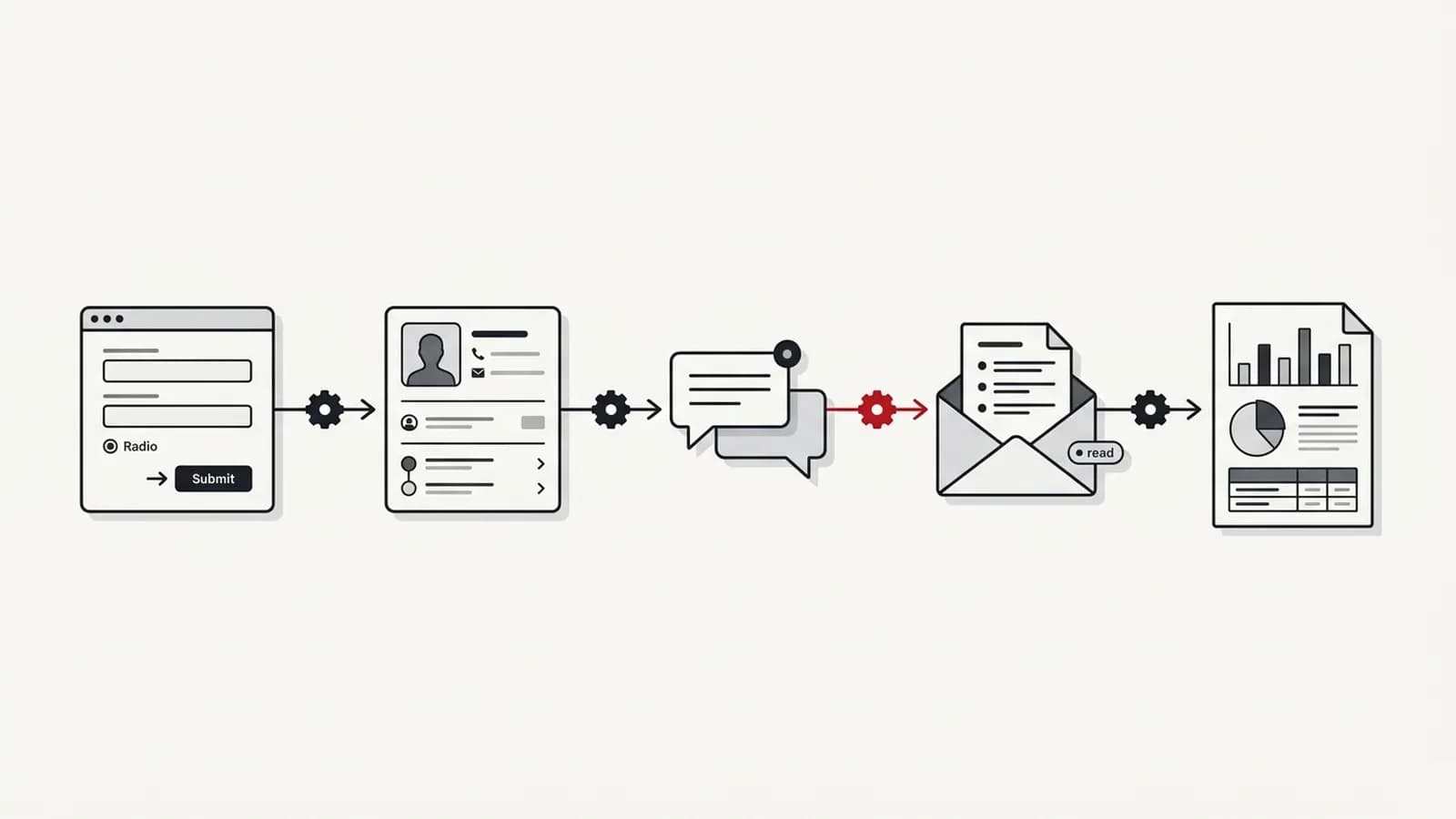
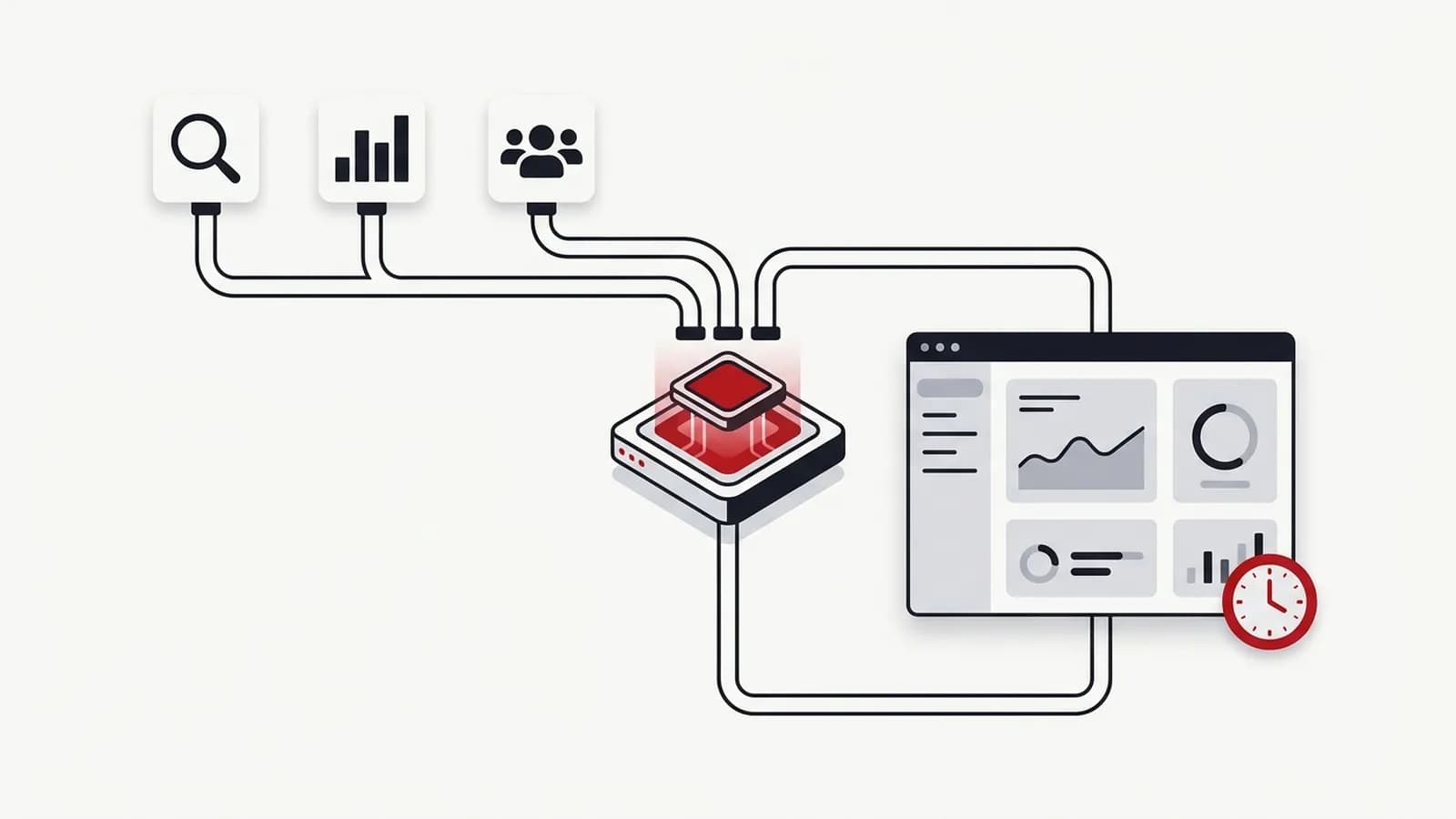
n8n vs Zapier vs Make: Which Automation Tool Fits Your Team?
n8n vs Zapier vs Make compared on pricing models, self-hosting, security, AI features, maintenance and what G2 reviewers say about each platform.

Short answer
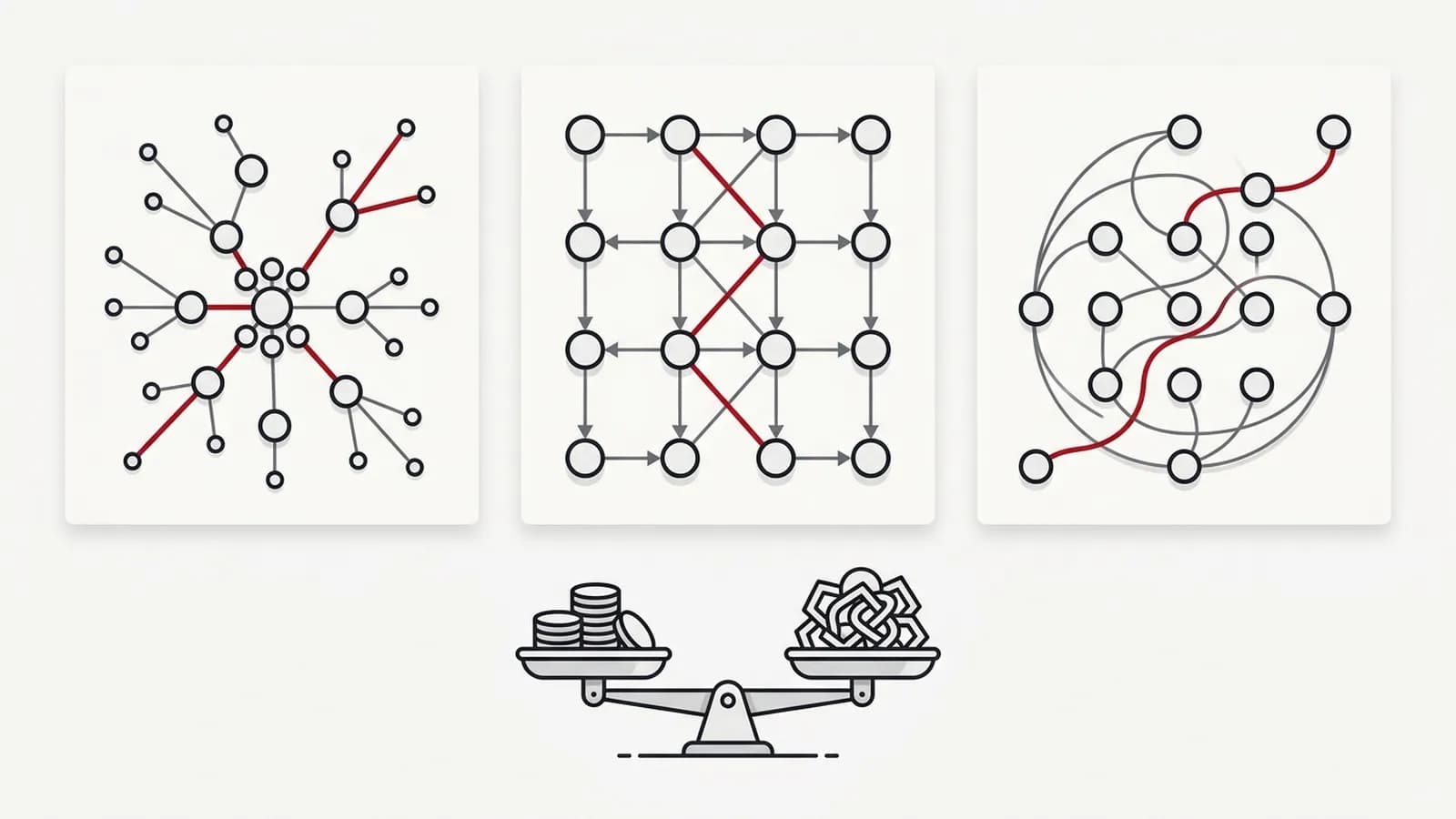
In the n8n vs Zapier vs Make comparison, Zapier is built around ease of use and a broad app library and bills per task. Make offers a visual canvas with branching and iteration and bills credits per module action. n8n is aimed at technical teams, bills cloud plans per workflow execution and can be self-hosted. Choose by who will maintain it, not by feature lists.
Key takeaways
- Zapier bills by tasks (each successful action), Make by credits (each module action) and n8n cloud by workflow executions — the same workflow can cost very different amounts on each.
- n8n can be self-hosted under a fair-code licence, which removes per-execution fees but adds hosting, updates, security and backups to your workload.
- Choose by who will maintain it: an unmaintained workflow fails silently regardless of platform.
- Estimate cost by counting monthly runs multiplied by steps per run, then check each vendor's current pricing page.
- On G2, all three platforms are rated between 4.5 and 4.7 out of 5; ease of use is a commonly cited strength, while cost, complexity and learning curve are commonly cited drawbacks.
- Regulated or sensitive data calls for checking each vendor's security, admin and data residency documentation before choosing.
In this article (9 sections)
- 1The short answer
- 2How do n8n, Zapier and Make charge?
- 3n8n vs Zapier vs Make: side-by-side comparison
- 4What users say about n8n, Zapier and Make
- 5Which situations each tool is built for
- 6Is n8n suitable for small businesses?
- 7The hidden costs nobody puts on the pricing page
- 8Alternatives to n8n, Zapier and Make
- 9How to choose without wasting money on the wrong platform
The n8n vs Zapier question comes up in most marketing automation planning, usually with Make added as a third option. The underlying concern is always the same: how to choose without paying for the wrong platform and rebuilding everything a year later.
None of the three is universally best. The fit depends on workflow volume, who will maintain the automations and how sensitive the data is. This guide compares them on product facts, pricing models and what users report on review sites.
The short answer
- Zapier — built around ease of use, with the broadest app library of the three. Bills per task, so workflows with many steps or frequent runs use more of the allowance.
- Make — a visual canvas with branching, iteration and error-handler routes. Bills credits for each module action.
- n8n — developer-oriented, with code nodes, HTTP requests and AI agent features. Cloud plans bill per workflow execution, and the community edition can be self-hosted.
Across all three, the platform matters less than whether someone owns the workflows. A well-maintained workflow on any of them is more reliable than a neglected one on another.
How do n8n, Zapier and Make charge?
Pricing models matter more than headline prices, because they decide how the bill grows. This guide does not quote prices — they change often. As of October 2026:
- Zapier bills tasks. The free plan includes 100 tasks per month. See Zapier pricing.
- Make bills credits, and each module action counts as one credit. The free plan includes 1,000 credits per month with 2 active scenarios. See Make pricing.
- n8n cloud bills workflow executions, with unlimited steps per execution. All plans include unlimited users and workflows. The self-hosted community edition has no per-execution fee. See n8n pricing.
| Platform | What you pay for | What that means in practice |
|---|---|---|
| Zapier | Tasks — each successful action step | A five-action Zap that runs once uses five tasks; triggers and filters are treated differently |
| Make | Credits — each module action | Every module action counts as one credit, including each item processed in a loop |
| n8n cloud | Workflow executions | One run counts once, however many steps it contains |
| n8n self-hosted | Your own hosting and time | No per-execution fee, but you pay for servers, updates and maintenance |
The key difference is per-step versus per-run billing. A reporting workflow with twenty steps running hourly uses one execution per run on per-execution pricing and twenty billable actions per run on per-step pricing. A simple two-step form-to-Slack alert costs little anywhere.
This is why people ask "why are automation tools so expensive?" The answer is usually that a workflow grew steps, loops or run frequency and per-step billing scaled with it.
n8n vs Zapier vs Make: side-by-side comparison
| Factor | Zapier | Make | n8n |
|---|---|---|---|
| Ease of use | Simplest builder | Moderate | Steepest |
| Pricing model | Per task | Credits — each module action | Per execution (cloud) |
| Cost at scale | Grows with every action step | Grows with every module action | Grows per run, not per step; self-host option |
| Self-hosting | No | No | Yes (fair-code licence) |
| AI / agent features | Built-in AI steps and agents | AI modules and agents | AI agent and LLM nodes |
| Error handling | Basic retries and alerts | Error-handler routes per module | Error workflows, retries, custom logic |
| Integrations breadth | Broadest library | Large library | Smaller native list; HTTP and code nodes fill gaps |
| Security & admin (SSO, audit logs) | SSO (SAML) on Team plan and above; enterprise admin controls | Enterprise plan with SSO and admin controls (check vendor docs) | SSO and log streaming on enterprise plans |
| Data residency / hosting control | Vendor-hosted cloud | Vendor-hosted cloud | Self-hosting gives full hosting control; cloud also available |
| Support channels | Email and live chat on paid plans | Help centre and support tickets | Forum support on Starter; more on higher tiers |
| Typical maintainer | Marketing ops generalist | Ops person comfortable with logic | Someone technical or a developer |
Check each vendor's security documentation for current details.
What users say about n8n, Zapier and Make
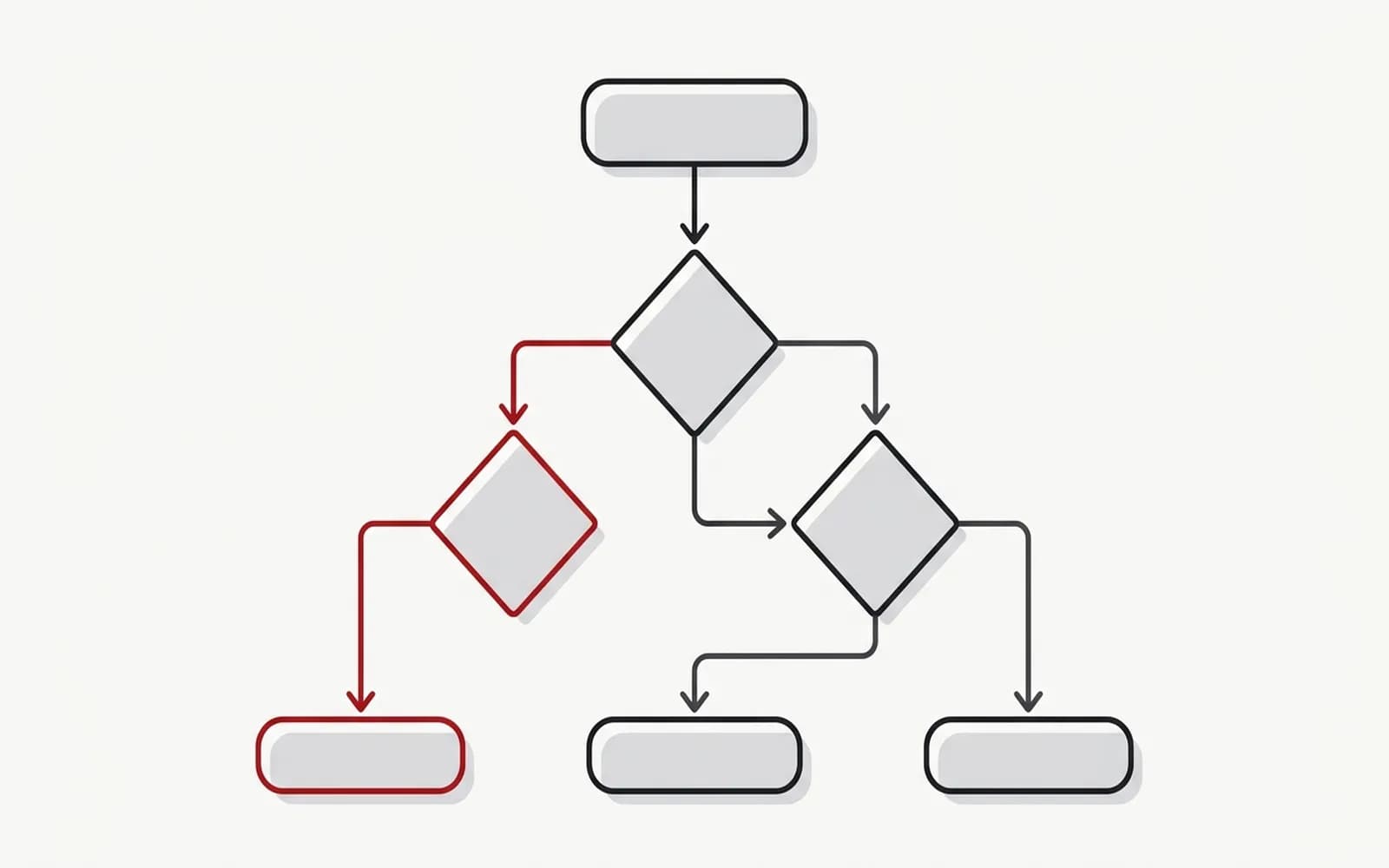
Review platforms give a useful view of how each tool works for the people using it day to day. On G2, as of October 2026:
| Platform | G2 rating | Reviews | Most-cited pros | Most-cited cons |
|---|---|---|---|---|
| Zapier | 4.5/5 | 2,088 | Ease of use, automation | Expensive, complexity |
| n8n | 4.7/5 | 316 | Ease of use, automation | Learning curve |
| Make (listed on G2 as "Make (formerly Integromat)") | 4.6/5 | 359 | Automation, ease of use | Error handling, learning curve |
Sources: G2: Zapier vs n8n and G2: Make vs n8n.
Ratings and review counts change over time, so check the current G2 pages before relying on these figures.
Which situations each tool is built for
Non-technical marketing teams
Zapier positions itself around no-code setup and the broadest app library, and ease of use is among the pros G2 reviewers cite most often. Make also targets no-code users, with routers, iterators and error-handler routes on a visual canvas; reviewers cite a learning curve alongside ease of use.
Agencies and multi-client operations
Volume multiplies across clients, so the billing model matters. Per-task and per-credit billing grow with every step, while n8n cloud's per-execution billing grows with runs. Whichever tool is used, templates per workflow type and separated, team-owned client credentials keep the setup maintainable.
Data-heavy or technical teams
n8n is built for this audience: code nodes, HTTP requests, sub-workflows and AI agent nodes, with per-execution billing on cloud. Heavy data work is often paired with Python or BigQuery, as covered in the guide to marketing reporting automation.
Regulated or sensitive data
Self-hosted n8n keeps data on infrastructure you control, which can simplify data-residency and compliance conversations. Zapier and Make offer enterprise plans with SSO and admin controls. No platform makes you compliant by itself — access controls, logging and security updates are still needed.
Is n8n suitable for small businesses?
It can be, with a condition: someone must own it. n8n cloud removes the hosting burden and works for small teams with a technically comfortable person.
Self-hosting is where small businesses tend to get into trouble. The software fee disappears, but the business now owns server uptime, version updates, backups, credentials and security patches. If nobody on the team wants that job, a hosted plan on any of the three tools avoids the risk of a broken server.
A common rule of thumb: a small business with a handful of simple workflows gains little from self-hosting. It becomes worth considering when volume or data sensitivity justify the maintenance.
The hidden costs nobody puts on the pricing page
The subscription is rarely the biggest cost. These are:
- Maintenance — APIs change, fields get renamed, apps deprecate endpoints. Every workflow needs someone checking it.
- Silent failures — a workflow that stops running without alerting anyone can cost more than it ever saved, such as leads not reaching sales.
- Per-step costs exploding — a loop over hundreds of rows, or a trigger that fires more often than expected, can multiply usage overnight.
- Nobody owning it — the person who built it leaves and nobody knows what the workflows do.
- AI output quality — AI steps are cheap to add and expensive to trust without review.
- Migration — moving from one platform to another means rebuilding every workflow, re-authorising every connection and re-testing edge cases. Choosing carefully at the start is cheaper than switching later. If a switch is needed, it can be done without downtime:
- Inventory first — list every workflow with its trigger, credentials, volumes and what depends on its output downstream.
- Rebuild and re-authorise — recreate each workflow on the new platform and reconnect every app under team-owned accounts, not personal logins.
- Run in parallel — let old and new run side by side (with the new one writing to a test destination where duplicates would hurt) until outputs match.
- Retire in stages — switch off the lowest-risk workflows first, and pause rather than delete the old ones so you can roll back for a few weeks.
The n8n vs Zapier debate online often ignores these costs and focuses on subscription price. Once there are more than a handful of workflows, the subscription is often the smallest part of the total cost of ownership.
Alternatives to n8n, Zapier and Make
These three are not the only options. Microsoft Power Automate is built into the Microsoft 365 ecosystem and fits organisations that already run on Microsoft tools. Open-source, self-hostable options include Activepieces, a no-code workflow builder, and Node-RED, a flow-based tool originally designed for connecting devices and APIs. The same questions apply to each: pricing model, who maintains it and where data is processed.
How to choose without wasting money on the wrong platform
- List your first five workflows. Be specific: trigger, steps, how often it runs.
- Estimate volume. Monthly runs multiplied by steps per run, including loops.
- Model cost on each pricing page. Use current prices and your own volume, not the vendor's example.
- Name the maintainer. Match the tool to their skills, not to the builder's preferences.
- Check data requirements. Where data is processed, who can access credentials, retention rules.
- Pilot one workflow for a month. Include error handling and alerts in the pilot.
- Document it. A short runbook per workflow so it survives staff changes.
To see what these tools look like in practice, the list of marketing automation examples shows typical workflows, and the guide on which SEO tasks to automate covers SEO specifically. For help choosing and building the stack, see marketing automation consulting — and if the real problem is ownership rather than tooling, marketing operations is where to start.