How to Track AI Visibility: A Practical Measurement Method
How to track AI visibility across ChatGPT, Gemini, Perplexity and AI Overviews: build a prompt set, score four metrics and track AI referrals in GA4.

Short answer
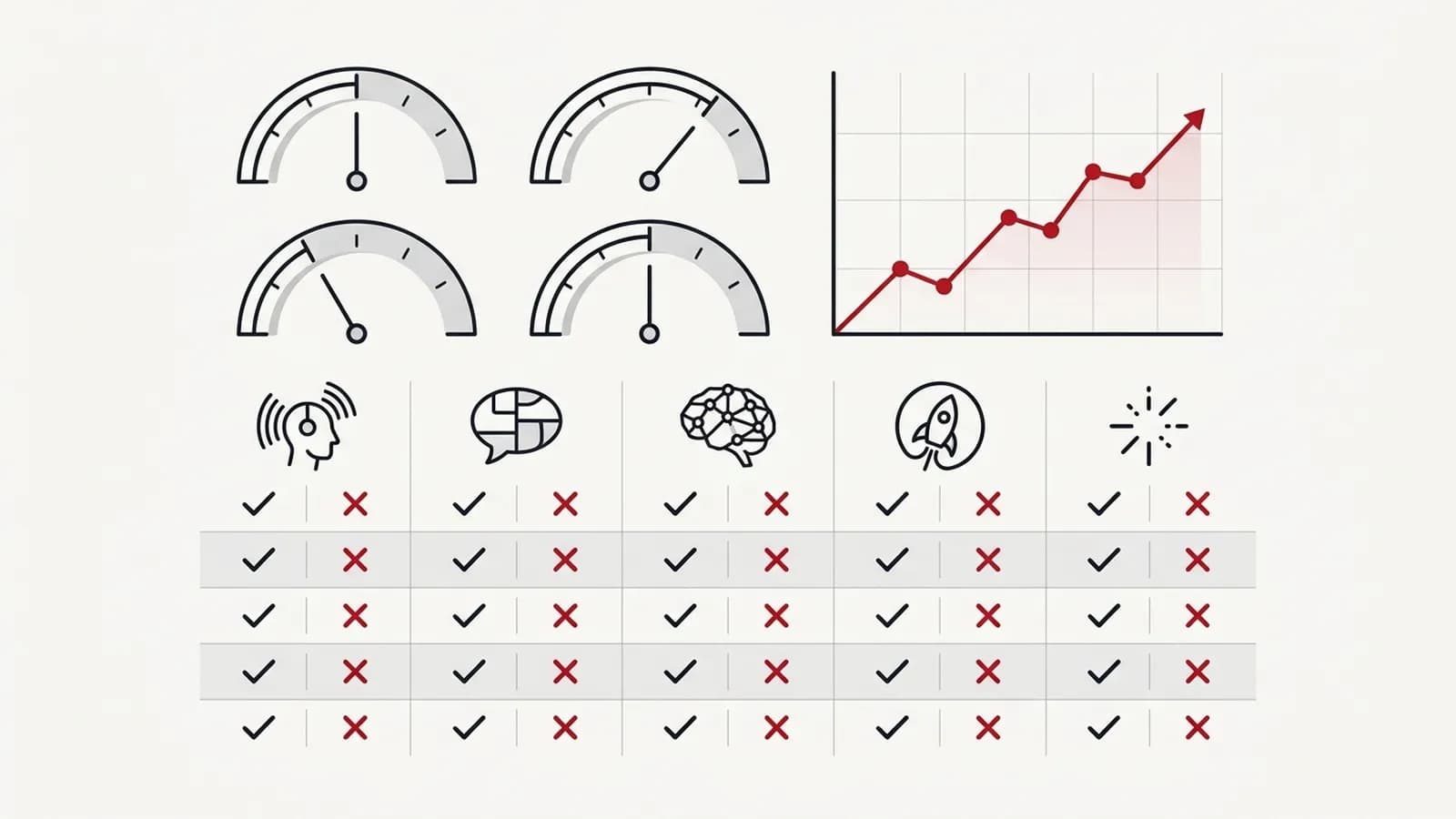
To track AI visibility, run a fixed set of 30–50 buyer-style prompts across the AI platforms your customers use, running each prompt several times on a regular schedule, and record every answer and cited source. Score four metrics per platform: mention rate, citation rate, recommendation share versus competitors, and accuracy. Track AI referrals in GA4, and report trends against a baseline rather than single screenshots.
Key takeaways
- AI answers vary between runs, so a single screenshot is not evidence; track visibility as rates across a fixed prompt set.
- The four core AI visibility metrics are mention rate, citation rate, recommendation share against named competitors, and accuracy of what is said about you.
- GA4's native AI Assistant channel, backed by a custom channel group for anything it misses, shows the direction of AI referral traffic, though it undercounts AI influence.
- Run each prompt more than once per cycle and treat changes of a few percentage points as noise unless they persist for two or more cycles.
- Cited sources are the most actionable output: they show which third-party sites you need to be present and accurately described on.
In this article (9 sections)
- 1Why rankings don't tell you enough
- 2Step 1: Build a prompt set that mirrors buyer research
- 3Step 2: Choose platforms and control the conditions
- 4Step 3: Score the four AI visibility metrics
- 5Step 4: Analyse the sources behind the answers
- 6Step 5: Work out which problem you have
- 7Step 6: Track AI referrals in GA4
- 8Step 7: Handle sampling variance and set a reporting cadence
- 9AI visibility tracking at scale: manual, tools or automation
If you are trying to work out how to track AI visibility, the first thing to accept is that the tools you already use were not built for it. Search Console tells you about Google rankings and clicks. It tells you nothing about whether ChatGPT recommended a competitor to your ideal buyer this morning.
This is the measurement method I use for AI search visibility: a fixed prompt set, a defined list of platforms, four metrics, a way to diagnose which problem you have, GA4 referral tracking, and a reporting rhythm that separates genuine change from noise.
Why rankings don't tell you enough
A number-one ranking means less when an AI Overview answers the question above it, or when a buyer asks ChatGPT and receives three competitor names. Your rankings can be stable while your share of the conversation is shrinking.
AI answers also vary. The same prompt can produce different answers on different days, for different users, and in different locations. That is why the most common complaint I hear, "we showed up last week and now we don't", usually is not a real change at all. You need a consistent sample, scored the same way every time.
Step 1: Build a prompt set that mirrors buyer research
Start with 30–50 prompts. Write them the way a buyer would type or speak them, in full sentences, not as keywords. Sources for real phrasing: sales call notes, support tickets, Search Console queries phrased as questions, and "People Also Ask" boxes.
I select prompts across three themes, and within each theme at every stage of the buying journey: early research (top of funnel, TOFU), comparing options (MOFU) and ready to choose (BOFU).
| Theme | TOFU example | MOFU example | BOFU example |
|---|---|---|---|
| How AI sees your brand | "What does [brand] do?" | "Is [brand] good for a mid-size B2B company?" | "[brand] pricing and reviews" |
| How AI compares you | "What are the best project management tools for agencies?" | "Tool A vs Tool B for a mid-size B2B company" | "Alternatives to Tool B" |
| Whether AI recommends you as the solution | "How do I cut the time my team spends on monthly reports?" | "What kind of reporting tool do I need for a 20-person agency?" | "Who is a good GEO consultant in India?" |
The first theme tells you whether AI describes you accurately. The second shows where you stand against named competitors. The third is the one that drives pipeline: whether you are recommended when a buyer describes their problem, not your category.
Keep the set fixed once you have a baseline. You can add prompts, but track them separately so the trend line stays comparable.
Step 2: Choose platforms and control the conditions
Cover the platforms your buyers actually use. For most B2B and considered-purchase businesses that means ChatGPT, Google AI Overviews and AI Mode, Gemini, Perplexity, Microsoft Copilot and Claude.
Control what you can:
- Use logged-out or clean sessions where possible, with memory and personalisation off.
- Keep location consistent, or deliberately test the markets you sell into.
- Record the date, platform, model or mode, the full answer text and every cited URL.
- Run each prompt several times per cycle on each platform, logged out and set to the buyer's location, because a single run can mislead.
Step 3: Score the four AI visibility metrics
For each platform, theme and funnel stage, calculate:
- Mention rate: the share of answers that name your brand.
- Citation rate: the share of answers that link to or cite your website.
- Recommendation share: the share of all answers for the prompt set in which you are recommended, compared with the same figure for each named competitor.
- Accuracy: the share of answers mentioning you that describe you correctly (services, pricing model, location, current offering).
A worked example scorecard
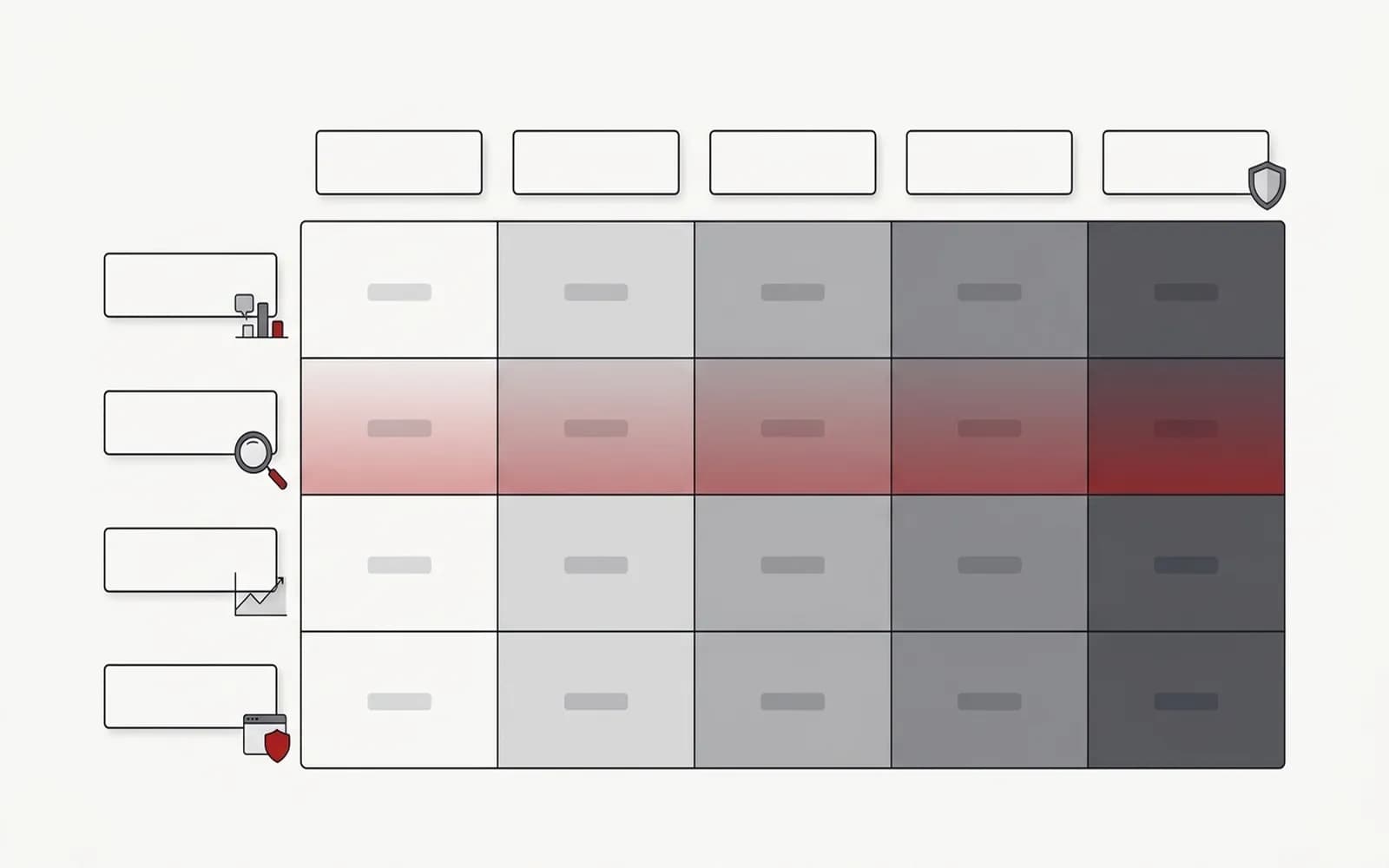
The table below uses hypothetical, illustrative numbers for an imaginary B2B software company. It is not client data; it shows what a completed scorecard looks like and how to read it.
| Platform (example) | Mention rate | Citation rate | Rec. share | Accuracy |
|---|---|---|---|---|
| ChatGPT | 42% | 18% | 30% | 85% |
| Google AI Overviews | 35% | 28% | 22% | 95% |
| Perplexity | 50% | 40% | 34% | 90% |
| Gemini | 28% | 12% | 18% | 70% |
Reading this example: citation rate is much lower than mention rate on ChatGPT and Gemini, which suggests the brand is known but its own pages are not the sources being used. Gemini's accuracy score points to outdated facts somewhere in its sources. Those two findings would drive the next month's work, not the headline mention rate.
Step 4: Analyse the sources behind the answers
The cited URLs are the most actionable part of the whole exercise. Tally which domains appear most often across your category and comparison prompts. If the same review platforms, directories, trade publications or community threads keep appearing, those are the places your brand needs to be present and described accurately.
This source list becomes your off-site plan. It is also how you catch the origin of wrong answers: an old directory listing or a stale article is often the culprit.
Step 5: Work out which problem you have
A low score can mean four different things, and each needs a different fix. Before planning any work, I classify every priority prompt into one of these:
| Problem | What you see | What usually fixes it |
|---|---|---|
| Absent | You aren't mentioned at all | Check that AI and search crawlers can reach your pages; improve rankings for the questions behind the prompt; build presence on the other sites that get cited for it |
| Mentioned but described wrongly | You're named, but with old facts, the wrong category, or in a competitor's terms | Correct the sources the answer draws on, and state clearly on your own site what you do and don't do |
| Mentioned but not recommended | You appear in the answer but not on the shortlist | Honest comparison content, third-party evidence such as reviews and independent coverage |
| Cited but not named | Your page is a source, but the answer doesn't credit your brand | Make the brand explicit on the cited page, next to the facts being used |
Most brands have a mix, and the mix changes the plan. A brand that is mostly absent needs access, rankings and off-site presence first. A brand that is mostly described wrongly needs source corrections before anything else, because more visibility would only spread the wrong description. The last problem is covered in more detail in cited but not named.
Step 6: Track AI referrals in GA4
Prompt tracking measures presence. GA4 shows whether that presence sends visits.
Start with the AI Assistant channel. GA4 now has a native "AI Assistant" channel in the Default Channel Group, announced in May 2026. It covers sources such as ChatGPT, Gemini and Claude, so for many sites it is the quickest view of AI referrals. It is not retroactive, so older data stays in Referral, and it misses visits that arrive without a referrer (some apps, for example), which still land in Direct.
Add a custom channel group for anything it misses. Create a custom channel group, or an exploration segment, where session source matches a regular expression such as:
chatgpt\.com|chat\.openai\.com|perplexity\.ai|gemini\.google\.com|copilot\.microsoft\.com|claude\.ai
Add other assistants your audience uses as they appear in your referral reports. Then look at landing pages, engagement and conversions for AI traffic.
Check Search Console for Google's AI features. AI Overviews and AI Mode clicks and impressions are counted in Search Console's Performance report under Web; there's no separate filter, according to Google's AI features documentation.
Be clear about the limits. Many AI-influenced visits arrive as direct traffic or branded search, because people read an answer and then type your name into Google. Treat AI referral traffic as a directional signal, and watch branded search impressions in Search Console alongside it.
To catch some of that hidden influence, ask people directly. Add "An AI assistant (ChatGPT, Perplexity, Gemini…)" as an option in your enquiry form's "How did you hear about us?" field, and add the same value to the lead source field in your CRM. It won't be complete, because people forget or pick the nearest option, but it picks up enquiries that analytics would otherwise record as direct or branded search.
Step 7: Handle sampling variance and set a reporting cadence
Because answers vary, small movements are usually noise. My working rules:
- Treat a change of a few percentage points as noise unless it persists for two or more cycles.
- Report by prompt group, not just overall; a gain on brand prompts can hide a loss on comparison prompts.
- Annotate each report with the work done that month (new pages, schema, PR, reviews, profile fixes), so trends can be connected to causes.
| Cadence | What to do |
|---|---|
| Weekly | Spot-check a handful of high-value prompts; watch for accuracy problems |
| Monthly | Full prompt-set run, scorecard, source analysis, GA4 AI traffic review |
| Quarterly | Refresh prompts, review competitors, reset priorities |
AI visibility tracking at scale: manual, tools or automation
If you are deciding how to track AI visibility with limited time, you can run this manually in a spreadsheet for a small prompt set. Beyond about 50 prompts across five platforms, with repeat runs, it becomes several hours a month, which is where dedicated tracking tools or scripted runs help. I compare the options in AI visibility tools. Whatever you use, keep a person reviewing accuracy; tools are good at counting mentions and poor at judging whether an answer is misleading.
If you want a baseline done properly, with competitors and a prioritised action list, that is what my AI visibility audit delivers, and it feeds directly into ongoing GEO consulting. For what to do with the findings, see how to improve brand visibility in AI search and how to rank in ChatGPT.