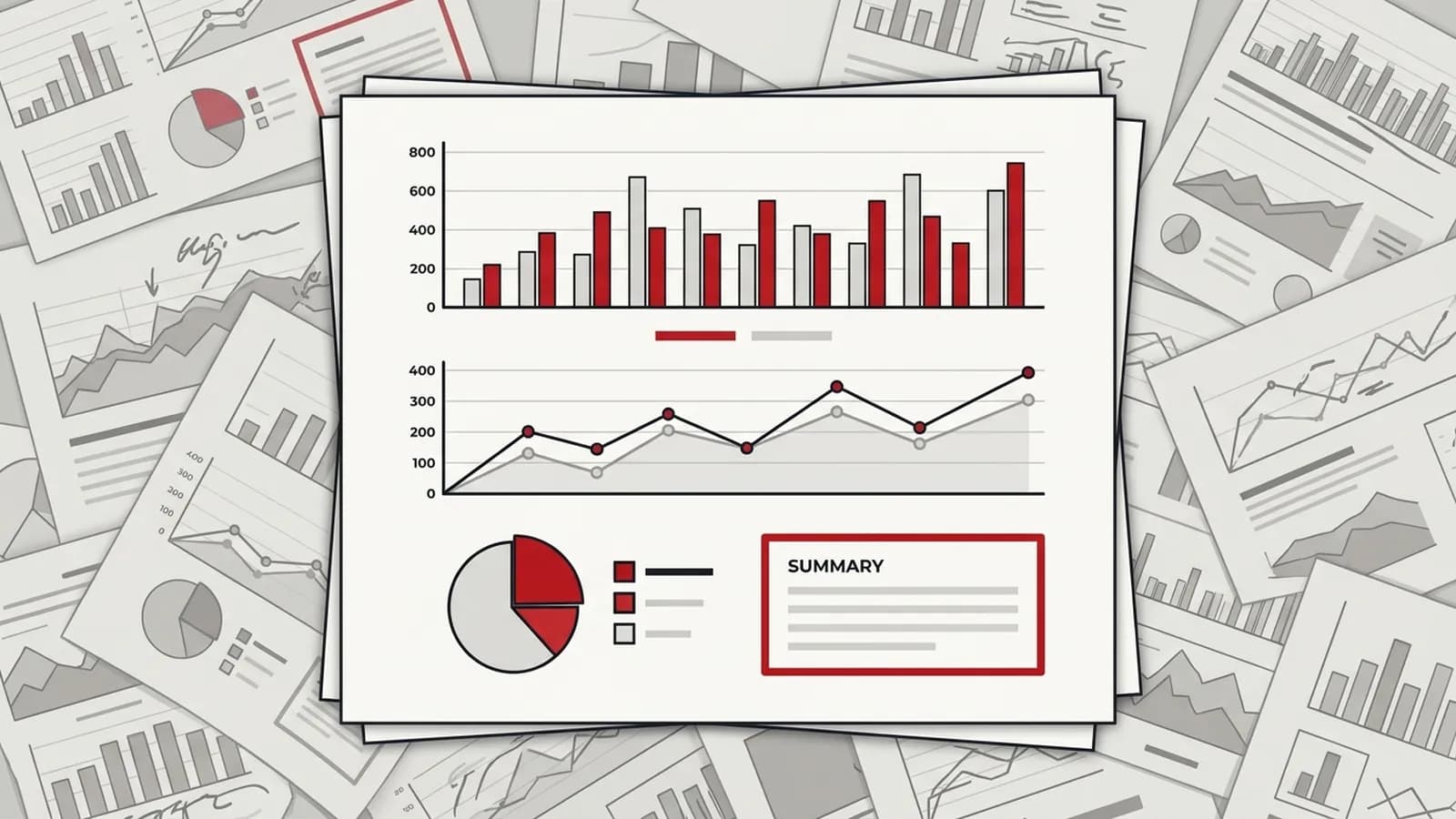
Automated SEO Reports: Automate Client Reporting Without Losing Ownership
How to set up automated SEO reports: pipeline architecture, tool choices, what stays human, failure monitoring and how to measure the hours you save.

Short answer
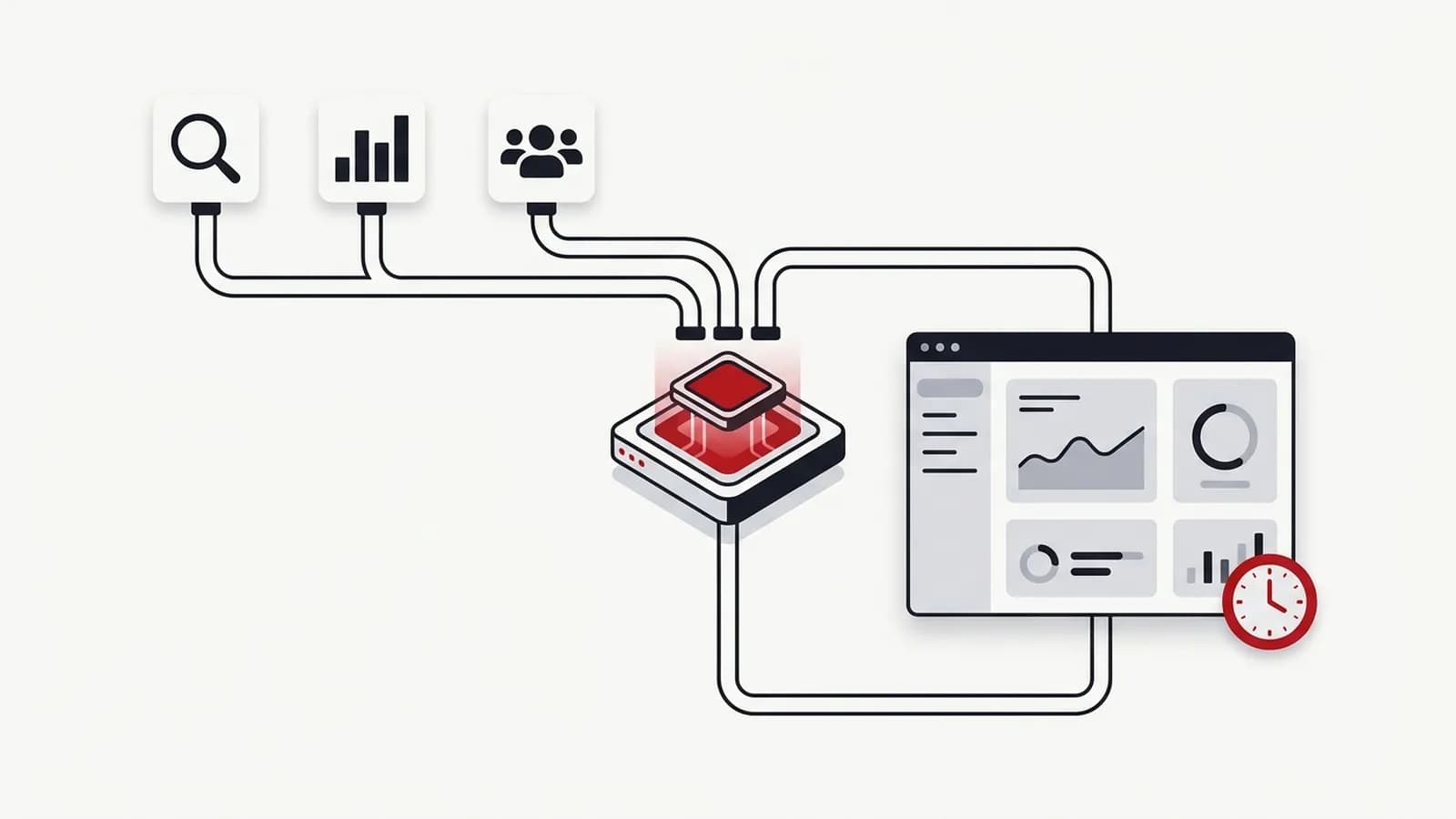
Marketing reporting automation means pulling data from Search Console, GA4, ads, rank trackers and your CRM through APIs on a schedule, storing it in Sheets or BigQuery, feeding a dashboard and drafting a narrative summary. People stay responsible for interpretation and recommendations. In teams I've led, this approach automated more than 1,400 hours of manual reporting.
Key takeaways
- Reporting is the best first automation target because it is frequent, rule-based and consumes skilled people's time on copy-paste work.
- A reliable reporting pipeline has five layers: sources, API extraction, storage, dashboard and narrative summary — automate them in that order.
- Standardise the report template before automating it; automating an inconsistent report only produces inconsistency faster.
- Every automated report needs monitoring for failed runs, stale data and zero-value anomalies, plus a named owner.
- Interpretation and recommendations stay human: AI can draft what changed, but an accountable person decides what it means.
In this article (10 sections)
- 1What is an automated SEO report?
- 2What are the benefits of automated SEO reporting?
- 3Why reporting is the first thing to automate
- 4What does a marketing reporting automation pipeline look like?
- 5Which tools should run each layer?
- 6What should stay human in automated marketing reports?
- 7How do you automate client SEO reports across many clients?
- 8How do you stop automated reports failing silently?
- 9A rollout plan that actually sticks
- 10How do you measure the hours saved?
Marketing reporting automation is the most reliable quick win I know in digital operations. Most teams spend hours every week exporting CSVs from Search Console, GA4 and ad platforms, pasting them into slides and writing the same commentary with different numbers. Automating that work frees skilled people to do what clients and leadership actually pay for: deciding what to do next.
When I led international delivery teams, automating reporting workflows removed more than 1,400 hours of manual effort — roughly the workload of 10 team members. The lesson from that programme was not "buy a tool". It was that you design a pipeline, give it an owner and keep humans on the parts that need judgement.
What is an automated SEO report?
An automated SEO report is one that assembles itself. Scheduled jobs pull data from Search Console, GA4, rank trackers and the CRM through APIs, store it, refresh a dashboard and draft a short summary of what changed. A person then checks the numbers, explains why they moved and adds recommendations before the report is sent. The assembly is automated; the interpretation is not.
What are the benefits of automated SEO reporting?
The benefits are practical rather than glamorous:
- Hours back for analysis. The time spent exporting, pasting and formatting goes to explaining results and planning the next move.
- Fewer errors. Fixed date ranges, filters and definitions remove the copy-paste mistakes that make clients question every number.
- Consistency across clients and teams. Every report follows the same structure and logic, whoever is on the account that month.
- Faster reporting after the period closes. Data is ready on a schedule instead of waiting for someone to find a free afternoon.
- History you control. A storage layer keeps data beyond each platform's retention window, so year-on-year comparisons stay possible.
- Earlier warnings. Automated threshold checks flag sudden drops between reports, not weeks later in the monthly deck.
Why reporting is the first thing to automate
Reporting is frequent, rule-based and repetitive, which makes it the ideal automation target. The steps are the same every week: pull data, clean it, compare periods, format it, send it.
It is also where the most expensive people waste the most time. A senior SEO copying numbers between tabs is not analysing why non-branded clicks fell. Automating the assembly gives that time back to analysis.
Finally, manual reporting is error-prone. Mismatched date ranges, wrong filters and pasted-over cells are common, and each one quietly erodes trust in the numbers.
What does a marketing reporting automation pipeline look like?
Every robust setup I have built follows the same five layers. Thinking in layers stops you from building one fragile workflow that does everything.
- Sources — Google Search Console, GA4, Google Ads and Meta Ads, your rank tracker (SEMrush, Ahrefs), CRM (HubSpot, Salesforce) and sometimes project tools like Wrike.
- Extraction via APIs — scheduled jobs call each source's API with fixed date ranges, filters and dimensions. No manual exports.
- Storage — raw and cleaned data lands in Google Sheets for small volumes or BigQuery for larger ones. Keeping history here means you are not limited by each tool's retention window.
- Dashboard — Looker Studio (or similar) reads from storage and refreshes automatically. See my walkthrough on building a Looker Studio SEO dashboard.
- Narrative summary — a script compares periods, flags notable changes and drafts a short "what changed" note, which a person reviews and completes.
The storage layer is the one teams skip, and it is the one that saves them later. Connecting a dashboard directly to every source works until you need to join CRM revenue to landing pages, or keep more than 16 months of Search Console history.
Which tools should run each layer?
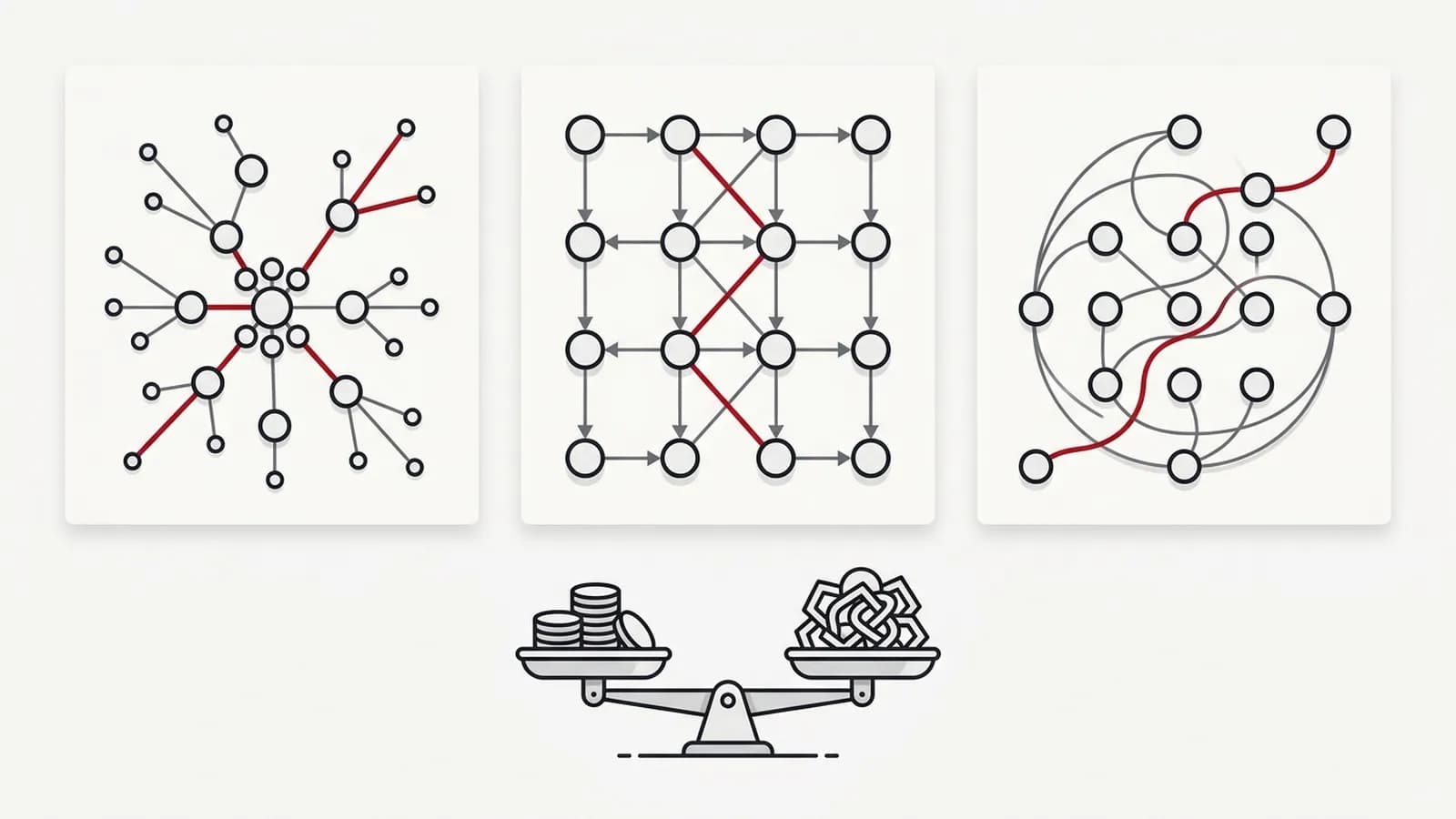
There is no single best tool. The right choice depends on data volume, how much custom logic you need and — most importantly — who will maintain it.
| Option | Best for | Strengths | Watch out for |
|---|---|---|---|
| Looker Studio native connectors | Small teams, GA4 + GSC only | Free, no code, fast to set up | Limited joins, API quotas, no history beyond source |
| Google Apps Script | Teams living in Google Sheets | Free, scheduled triggers, easy to share | Execution time limits, one person often owns the code |
| Python | Heavy data, custom logic, BigQuery | Full control, any API, testable | Needs hosting, scheduling and a developer to maintain |
| n8n / Make / Zapier | Connecting SaaS tools, alerts, distribution | Visual workflows, quick integrations | Per-task or per-operation costs at scale, silent failures |
In practice, most mature setups combine them: Python or Apps Script for extraction, BigQuery or Sheets for storage, Looker Studio for the dashboard, and n8n or Make for notifications and distribution. If you are weighing the workflow tools, my comparison of n8n vs Zapier vs Make covers pricing models and maintenance.
What should stay human in automated marketing reports?
Automation should remove work, not ownership. The rule I use: automate anything that follows a rule, keep anything that needs context.
Automate:
- Pulling, cleaning and joining data (matching URLs, campaigns and date ranges)
- Period-over-period comparisons and threshold flags
- Formatting, refreshing dashboards and scheduled delivery
- A first-draft summary of what moved and by how much
Keep human:
- Explaining why something changed (an algorithm update, a site release, a seasonal pattern, a tracking fault)
- Prioritising what to do next and agreeing it with the client or stakeholder
- Checking that AI-drafted commentary is accurate before it is sent
- Deciding when a metric should be dropped because nobody acts on it
AI-generated summaries are useful as a draft. Language models from OpenAI or Anthropic can describe a table of changes well, but they will confidently misattribute causes. An accountable person must sign off every narrative that leaves the building.
How reports reach the client
A dashboard link on its own is rarely read. The delivery that works best has three layers:
- A short email summary — what changed, why, and what happens next, readable in two minutes.
- An optional recorded walkthrough — a few minutes on screen for months with bigger changes or for stakeholders who prefer to watch.
- The dashboard as backup — always live for anyone who wants to dig into the detail, but never the only thing sent.
How do you automate client SEO reports across many clients?
Agencies hit a different problem from in-house teams: the same report, built twenty or two hundred times. Automating client SEO reports at that scale works best when the client becomes a setting, not a copy of a file.
- One master template. Build the report once and treat every client version as an instance of it, so a fix or improvement reaches everyone.
- A client configuration sheet. One row per client holding the Search Console property, GA4 property, branded-query pattern, target countries, conversion events, report recipients and send day. Scripts read this sheet instead of hard-coded settings.
- Per-client filters, not per-client logic. Differences between clients should be values in the config (brand terms, markets, key pages), never one-off edits to the pipeline.
- Access through a team-owned account. Clients grant access to a shared agency login or service account, so reports keep running when people change roles.
- A review queue before sending. Each drafted report lands with its account owner, who adds the "why" and the next steps, then approves it. Nothing goes to a client unread.
- A manager view across all clients. Because every client's data lands in the same storage layer, one roll-up dashboard can show which accounts dropped, which reports failed and which are waiting for review.
This is also where reporting automation connects to wider SEO workflow automation: the client configuration sheet becomes the backbone for audits, rank tracking and alerts as well.
How do you stop automated reports failing silently?
The biggest risk with automated SEO reports is not that they break. It is that they break quietly and someone presents last month's numbers as this month's.
Build these checks into every pipeline:
- Run alerts — any failed job posts to Slack or email with the error, not just a generic "failed".
- Freshness checks — flag when the latest date in storage is older than expected (remember Search Console data typically lags by about two days).
- Zero and spike checks — a metric dropping to zero or jumping several times over usually means tracking or an API change, not performance.
- Row-count checks — compare rows pulled against the previous run to catch expired credentials or changed filters.
- Outcome checks — alert when a run reports success but produced nothing, such as an empty export or a blank report.
- A named owner — one person responsible for the pipeline, with a short runbook so someone else can fix it when they are away.
A rollout plan that actually sticks
The teams that get lasting value from reporting automation follow a boring, staged rollout. The teams that fail try to automate everything in one sprint.
- Measure the baseline. Record how long each report takes today, per report and per person, including checking and formatting time.
- Standardise the template. Agree one structure, one set of definitions and one date logic across clients or business units.
- Automate extraction first. Get clean, scheduled data into storage before touching visuals.
- Build the dashboard. Connect it to storage, not directly to a dozen sources.
- Add summaries. Introduce drafted commentary only once the data is trusted.
- Add monitoring. Alerts, freshness checks and an owner before you switch off the manual process.
- Run in parallel. Produce both manual and automated versions for one or two cycles and reconcile differences.
- Retire the old process. Remove the manual steps from SOPs so people do not quietly keep doing both.
This is the same sequence I use on SEO automation engagements, and it is written up in the marketing reporting automation case study.
How do you measure the hours saved?
"It feels faster" is not a result. Measure hours saved the same way you measured the baseline.
- Hours per report before vs after, multiplied by the number of reports per month
- Time to first draft — how quickly a report is ready after the period closes
- Error rate — corrections requested after reports are sent
- Reinvested time — what the team now does with the hours (analysis, testing, client strategy)
The last one matters most. In my own teams, the value of the 1,400+ hours was not the saving itself; it was that analysts could spend that time on the work that improved execution quality. If saved hours simply disappear into more admin, the automation has not delivered.
If you want help deciding which parts of your reporting to automate first, my marketing automation consulting starts with exactly this baseline exercise. Reporting is also usually the first item when I help teams decide which SEO tasks to automate.