SEO AUTOMATION
SEO Automation That Removes Grunt Work, Not Judgement
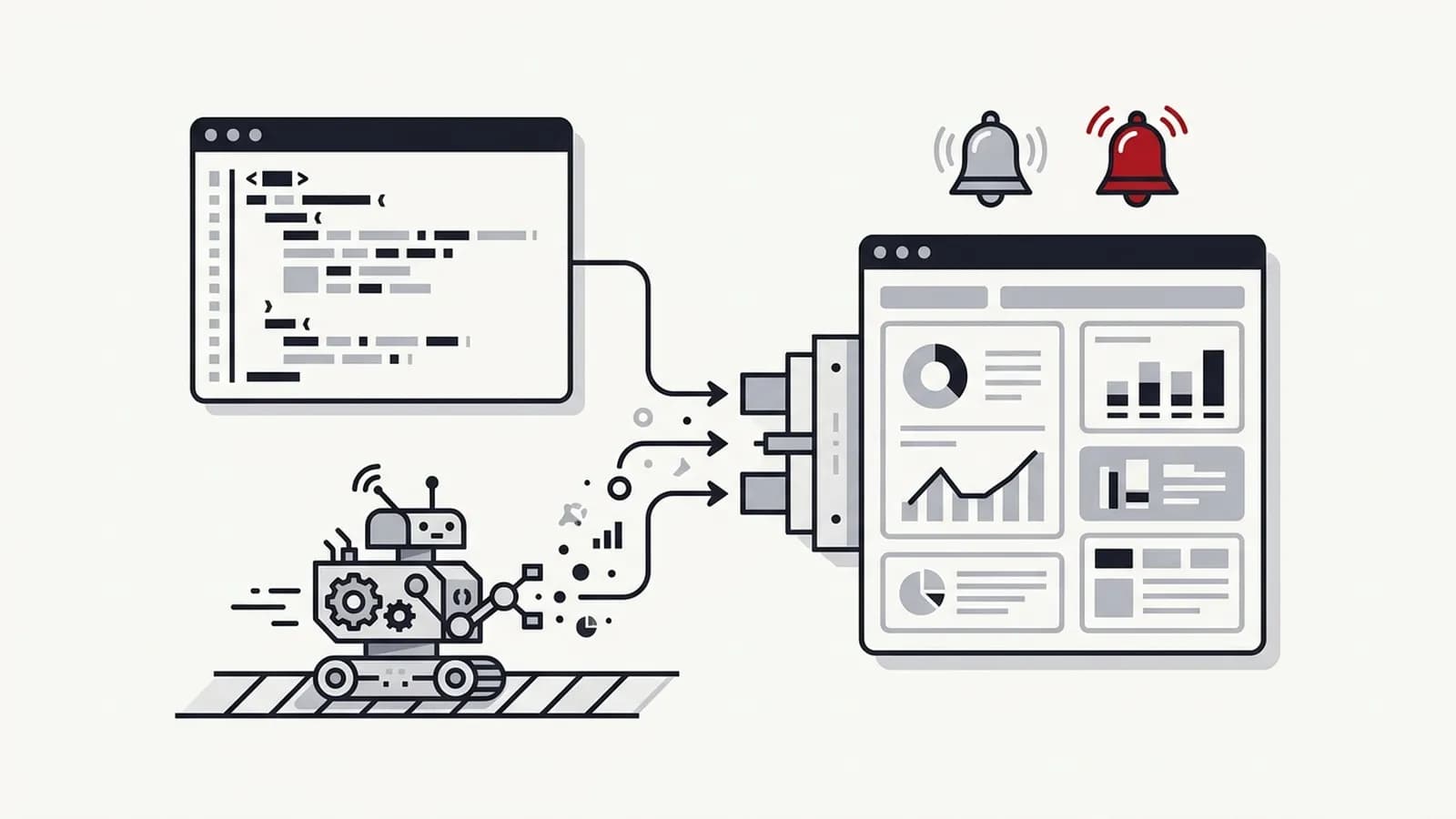
SEO automation should take the repetitive work off your specialists — pulling Search Console and GA4 data, building reports, monitoring technical health and checking pages against your standards — while strategy stays human. I'm Ajay Padhy, a consultant with 14+ years in digital growth. Leading international teams, I automated 1,400+ hours of manual reporting and helped lift execution quality from around 70% to 98%.
At a glance
- For: SEO agencies running many client campaigns and in-house teams managing large or multiple sites.
- What gets automated: reporting, data pulls, technical monitoring, pre-publish QA and rank / AI visibility tracking.
- What doesn't: prioritisation, content strategy, link decisions and anything that publishes to a live site without a human check.
- Stack: Search Console and GA4 APIs, Screaming Frog scheduled crawls, Python, Apps Script, n8n and Looker Studio.
- Proof: 1,400+ reporting hours automated across teams I led (about 10 people's workload); execution quality ~70% → 98%.
OUTCOMES
What this engagement is measured on
Every client's goals are different, and most are a mix. In the first weeks we agree which of these matter to you, record a baseline, and report against it every month. Targets are set after the audit, never promised up front.
Value delivered vs investment
Hours saved on reporting, audits and monitoring, measured against a baseline.
- What we measure
- What the organic results would cost to buy as paid clicks or paid leads (CPC and CPL based value), and hours saved where work is automated.
- What usually moves first
- An agreed baseline and the tracking needed to put a value on results.
- What follows
- A value-to-investment ratio you can track month by month.
See a worked example of the value calculation →
Proof from past work
Traffic and engagement
Issues caught earlier by automated checks, before they cost traffic.
- What we measure
- Non-branded organic clicks, organic sessions and users, engaged sessions and click-through rate.
- What usually moves first
- Impressions, rankings and click-through rate on pages that are fixed or rewritten.
- What follows
- Sustained growth in organic clicks and engaged sessions.
Who this is for
In most SEO teams I've led, the first week of every month disappears into reports. Specialists export from Search Console, paste into sheets, fix date ranges, screenshot charts and write the same commentary with new numbers. It's skilled people doing clerical work, and it's the first thing I automate.
The second is monitoring. Too many teams find out about a noindex tag, a broken redirect or a title template bug when the client emails about a traffic drop. Scheduled crawls and alerts catch those in a day. The third is QA: checking every page against the same standards before it goes live, so quality doesn't depend on who happened to do the work. How that played out at scale is in the international SEO operations case study.
Not everything should be automated. My rule of thumb, and a task-by-task breakdown, is in which SEO tasks to automate. For reporting specifically, see how to set up automated SEO reports and how to build an SEO dashboard in Looker Studio.
- SEO agencies where reporting eats the first week of every month
- In-house teams managing large sites, many locations or several brands
- Teams that learn about technical issues from traffic drops instead of alerts
- Heads of SEO who want consistent QA without reviewing every page personally
- Anyone evaluating "SEO on autopilot" tools and wanting a sober second opinion
DIAGNOSIS
Problems I solve
Common constraints teams face before we begin working together.
"Report week"
"We found out from the client"
"Quality depends on who did it"
"The tool promised to do SEO for us"
Automate, assist or keep human?
A short version of the framework I use with every team.
The full task-by-task list is in which SEO tasks to automate.
| Task | Decision | Why |
|---|---|---|
| Data pulls & monthly reports | Automate | Rule-based, frequent, error-prone by hand |
| Technical monitoring & alerts | Automate | Needs to run daily; humans forget |
| Pre-publish on-page QA | Automate | Checklist-driven, consistent standards |
| Report commentary | Assist | AI drafts, specialist edits and adds context |
| Keyword clustering, content briefs | Assist | Speeds up the work; needs review for intent |
| Internal link suggestions | Assist | Useful candidates; a human approves each |
| Strategy & prioritisation | Keep human | Depends on business context and trade-offs |
| Publishing content, building links | Keep human | Errors at scale are expensive to reverse |
The risks of "SEO on autopilot" tools
The pitch is appealing: connect your site, and the tool writes content, adds internal links and fixes issues automatically. In practice, three things go wrong often enough that I treat these tools with caution.
AI content at scale
Publishing hundreds of lightly edited AI pages tends to produce thin, repetitive content that doesn't satisfy searchers. Google's guidance targets content made primarily to manipulate rankings, however it's produced — and scaled, unreviewed pages are the classic pattern. Cleaning up is slower than publishing was.
Automatic internal links
Tools that insert links by keyword match create awkward anchors, link to the wrong page for the intent and can amplify cannibalisation. Internal linking is architecture; it needs someone who understands which page should rank for what.
False alerts and alert fatigue
Monitoring that flags every minor change gets muted within a month. Then the one alert that mattered is ignored. Thresholds need tuning to your site so alerts mean something.
A starter SEO automation stack
Most teams can cover the high-value basics with tools they already have. This is where I usually start:
- Looker Studio + native Search Console and GA4 connectors — a free, automatically refreshing report that replaces most manual monthly decks.
- Search Console API → BigQuery or Sheets (via Python or Apps Script) — daily data stored permanently, beyond the 16-month interface window.
- Screaming Frog scheduled crawls — weekly crawls exported and compared against the last run, flagging changes to status codes, indexability and titles.
- n8n or Make for alerting — routes crawl diffs and Search Console coverage changes to Slack or email, with thresholds so only real changes fire. Each workflow also gets an outcome check: if a run reports success but produced nothing (an empty export, a blank report, zero rows), that raises an alert too.
- A pre-publish QA script — checks new URLs against your standards (one H1, metadata length, schema present, minimum internal links) before release.
- Optional AI step — OpenAI or Anthropic drafts report commentary from the data; a specialist edits before it goes to anyone.
That stack typically removes the bulk of report week and catches technical issues within a day. More advanced work — client-level data warehouses, AI visibility tracking, custom QA scoring — builds on the same foundation. If the underlying problem is process rather than tooling, start with marketing operations instead.
DELIVERABLES
What you get
Tangible assets, strategic roadmaps and documentation provided during the engagement.
Automated SEO reports
Technical monitoring
Pre-publish QA checks
Search Console data warehouse
Rank & AI visibility tracking
Reports that reach the client
WORKFLOW
How an engagement works
A clear, four-phase delivery model ensuring accountability from kickoff to ongoing impact.
- 01Phase 1
Audit the workflow
Time every recurring SEO task for a typical month and identify which are rule-based versus judgement-based. - 02Phase 2
Design
Decide per task: automate, assist or keep human. Pick tools that fit your stack and who will maintain them. - 03Phase 3
Build & validate
Build, then run alongside the manual process for a cycle to confirm numbers match and alerts aren't noisy. - 04Phase 4
Embed
Document, train owners, tune alert thresholds and measure hours returned to analysis. Every automation goes live under a written Automation & AI Implementation Process: a named owner, a failure alert and a review cadence.
Ways to work together
Every engagement is led by me personally. For execution, I work with a small team of specialists — technical SEO, content, development and automation — so you get senior thinking without agency layers, account managers or hand-offs.
Audit & roadmap
A fixed-scope diagnosis with a prioritised roadmap your team can act on. Typically 2–4 weeks.
Advisory retainer
Ongoing senior guidance: monthly strategy, reviews of your team's work, and a direct line to me when decisions come up.
Strategy + execution
I own the strategy and stay your single point of contact; my specialist team handles implementation — technical fixes, content, builds and reporting.
Proof from past work
~70% → 98%
Quality improvement
Built quality frameworks and delivery processes that improved execution across international campaigns.
International operations
1400+ HOURS SAVED
Reporting automation
Automated repetitive reporting workflows, saving 1400+ hours of manual effort and reducing operational dependency by the equivalent of 10 team resources.
International operations
~70% → 98%
Execution quality across international campaigns.
Scaling SEO Operations Across International Markets
1,400+ hours
Of manual reporting effort saved in one reporting-automation programme within an international operation I led.
From Manual Marketing Workflows to Intelligent Systems
TOOLING
Tools these builds run on
Builds use whichever of these fit your existing stack and the people who will maintain them. No single tool is preferred.


FAQ
SEO automation: questions clients ask
Straight answers to what people usually want to know before a first call.
SEO automation uses scripts, APIs and workflow tools to handle repeatable SEO tasks such as data collection, reporting, technical monitoring and page-level QA. It frees specialists from clerical work so they can spend time on analysis, prioritisation and strategy. It should not replace the judgement calls that decide what to do.
Partly. The rule-based work can be: data pulls, reports, technical monitoring, change alerts and pre-publish checks. The judgement cannot: deciding priorities, choosing what to write and approving changes to a live site. Good SEO automation removes the clerical work so specialists have more time for those decisions.
Reporting, data pulls from Search Console and GA4, rank tracking, scheduled technical crawls, change alerts and pre-publish on-page checks are all safe to automate. Keyword clustering, content briefs and internal link suggestions can be AI-assisted with human review. Strategy, prioritisation and publishing decisions should stay human.
Start with Looker Studio using its free native Search Console and GA4 connectors to build a dashboard that refreshes automatically. For more control or longer history, pull data through the Search Console API into BigQuery or Sheets on a schedule. Add rank data and an optional AI-drafted summary that a specialist edits.
Automation that collects data, monitors and checks is safe. Automation that changes your live site — publishing AI content at scale or inserting links automatically — carries real risk, because errors multiply across many pages. Keep a human approval step on anything that publishes or edits live content.
Not for the basics. Looker Studio dashboards, scheduled crawls and simple n8n or Make alerts can be run by an SEO specialist once set up and documented. Custom API pipelines and QA scripts need someone comfortable with Python or Apps Script to build; after handover, they need occasional maintenance rather than a full-time developer.
Treat reporting as a delivery cost per client, not overhead. Add up the hours each client's report takes — data pulls, checks, commentary, the call — multiply by your loaded hourly cost, and add that client's share of tool and platform fees. Do this before and after automating, so you can see the saving per client and price new retainers with reporting costed in.
Guides worth reading first
Free tools to check your site
Related services
Have a growth problem worth solving?
Tell me where you're stuck. On a 30-minute intro call I'll tell you where I think the constraint is and what I'd look at first — whether or not we end up working together.