SEO Reporting: What to Include, KPIs and a Monthly Report Template
SEO reporting that leaders actually read: what to include for each audience, leading vs lagging KPIs, tying SEO to revenue, and a monthly SEO report template.

Short answer
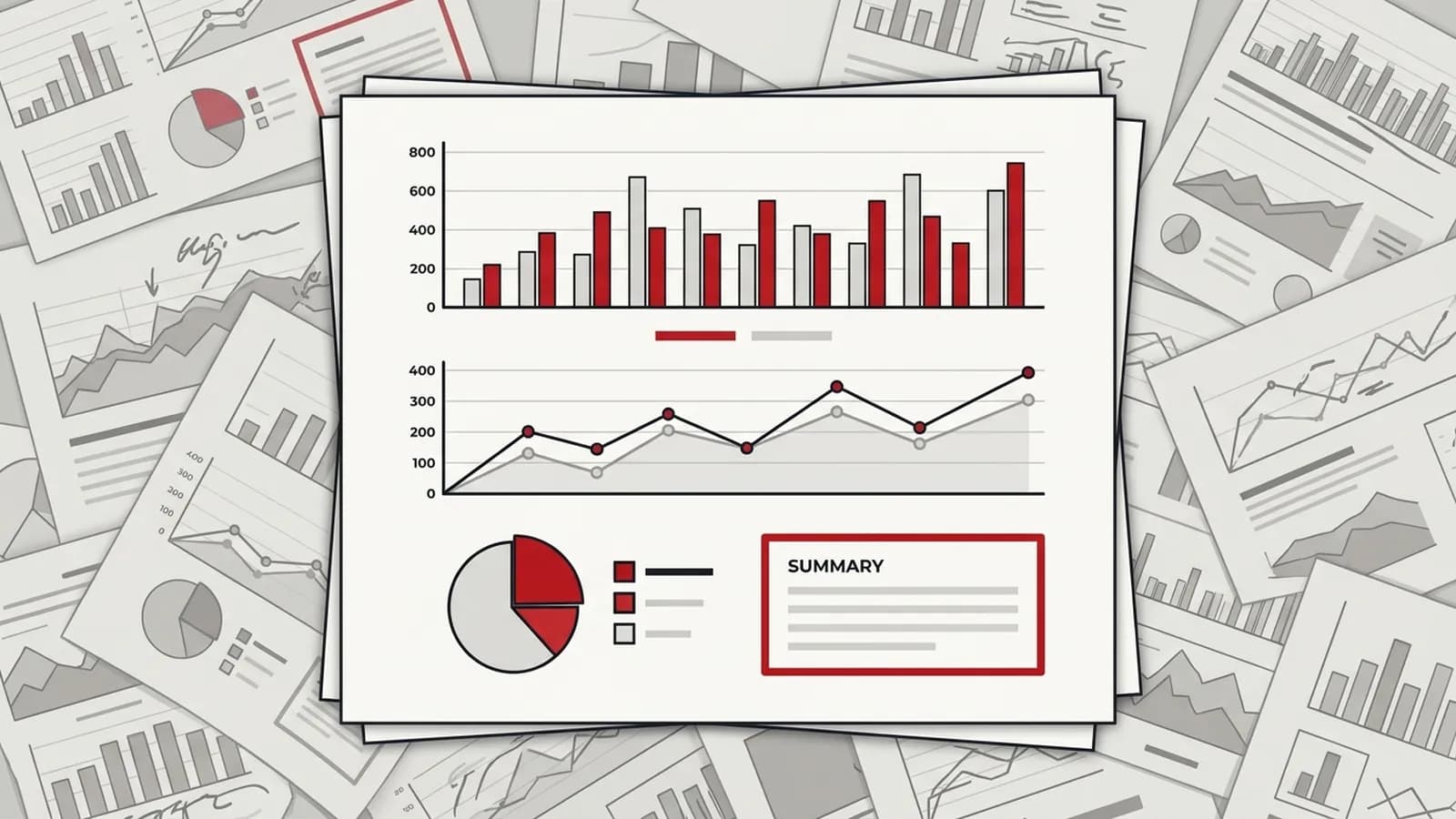
Good SEO reporting answers three questions for its audience: what changed, why it changed, and what happens next. Executives need organic pipeline and revenue; marketing leads need traffic, conversions and progress against plan; practitioners need technical and ranking detail. Report leading indicators alongside lagging outcomes, and drop vanity metrics that do not inform a decision.
Key takeaways
- An SEO report should be built per audience: executives get revenue and pipeline, marketing leads get conversions and plan progress, practitioners get technical and ranking detail.
- Pair leading indicators (impressions, indexed pages, rankings for target pages) with lagging outcomes (organic conversions, pipeline, revenue) so early months still show honest progress.
- Tie SEO to revenue by tracking key events in GA4 and capturing original source in the CRM, then reporting organic-sourced pipeline, not just sessions.
- AI search visibility, such as brand mentions and citations in AI Overviews and assistants, now deserves its own line in the report, measured and labelled as directional.
- Every metric in a report should either inform a decision or be removed; commentary and next actions matter more than the number of charts.
In this article (10 sections)
- 1What is an SEO report?
- 2SEO reporting starts with the audience
- 3What to include in an SEO report: leading vs lagging indicators
- 4SEO KPIs that tie to pipeline and revenue
- 5Adding AI search visibility to your SEO report
- 6What not to put in an SEO report
- 7A monthly SEO report template
- 8What a client SEO progress report adds
- 9SEO reporting tools: what to look for
- 10How often should you send SEO reports?
Most SEO reporting fails for one reason: it describes activity instead of answering questions. A 30-page PDF of ranking tables, backlink counts and traffic graphs looks thorough, but the person paying for SEO still cannot tell whether it is working.
"Reports nobody reads" is one of the most common complaints I hear from marketing leaders, and "the agency sends reports full of vanity metrics" is a recurring theme on SEO forums. Both have the same fix: decide who the report is for, what decision it supports, and cut everything else.
What is an SEO report?
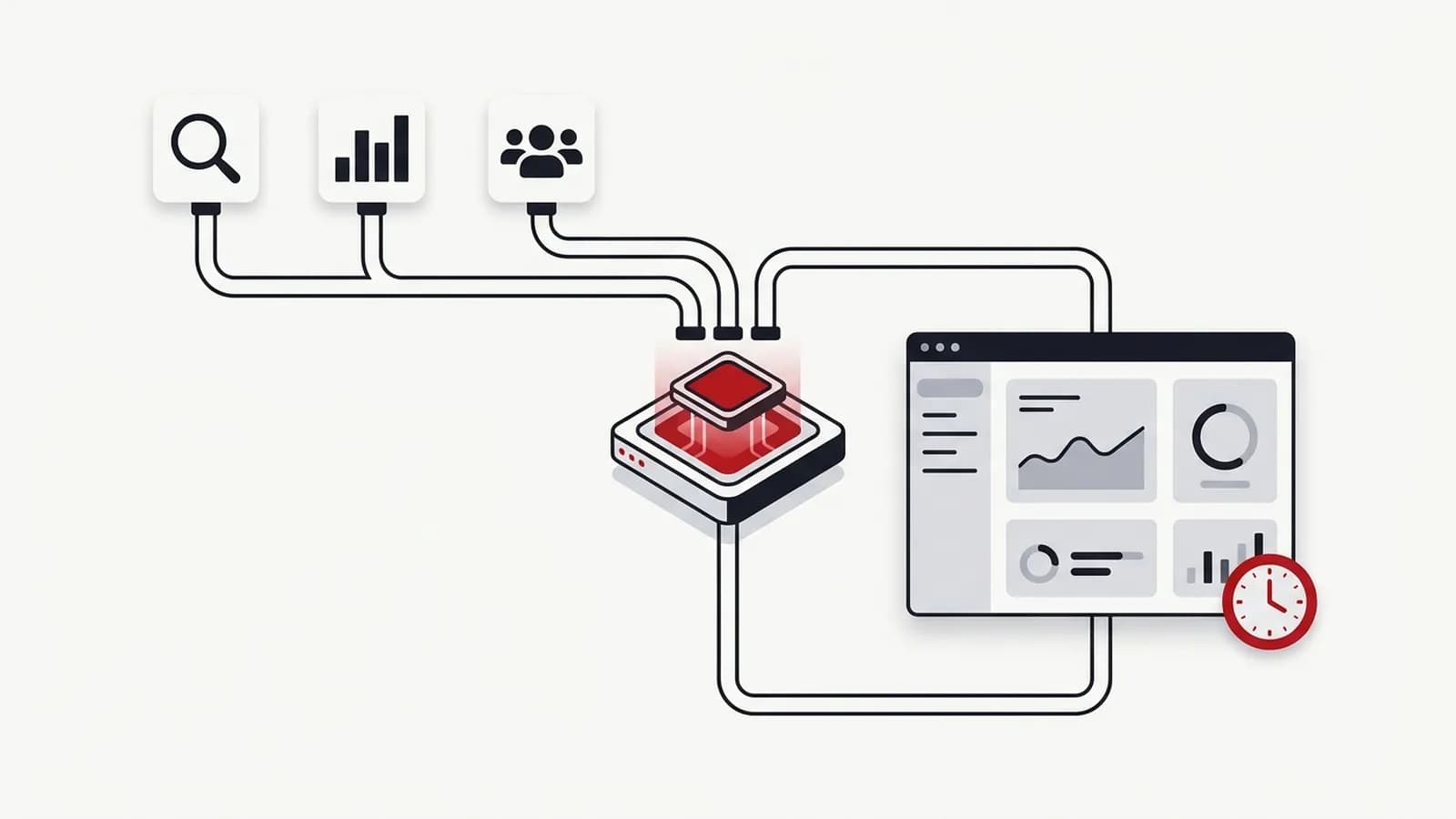
An SEO report is a regular summary of how a website is performing in organic search against the goals agreed for it. It shows what changed, explains why, and sets out what happens next, so the people reading it can decide where to put time and budget.
That last point is the whole test. An SEO report exists to support decisions, not to prove the team was busy or to give a status update.
SEO reporting starts with the audience
The biggest mistake in SEO reporting is sending one report to everyone. A CFO and a technical SEO need completely different things. Here is how I split it.
| Audience | What they need | Core metrics | Format |
|---|---|---|---|
| Executive / founder | Is SEO contributing to revenue? | Organic pipeline, revenue, conversions, trend vs target | One page, quarterly with a monthly note |
| Marketing lead | Is the plan on track, what needs a decision? | Organic conversions, clicks, target-page rankings, work shipped | 3–5 pages, monthly |
| SEO practitioner | What to fix and prioritise next | Crawl errors, indexing, Core Web Vitals, keyword movement, links | Live dashboard, weekly |
If you only have the capacity for one report, build the marketing lead version and add a three-line executive summary at the top.
What to include in an SEO report: leading vs lagging indicators
SEO is slow. Rankings and revenue often take months to move, which is why "SEO not giving results after three months" is such a common worry. The way to report honestly through that period is to separate leading indicators from lagging ones.
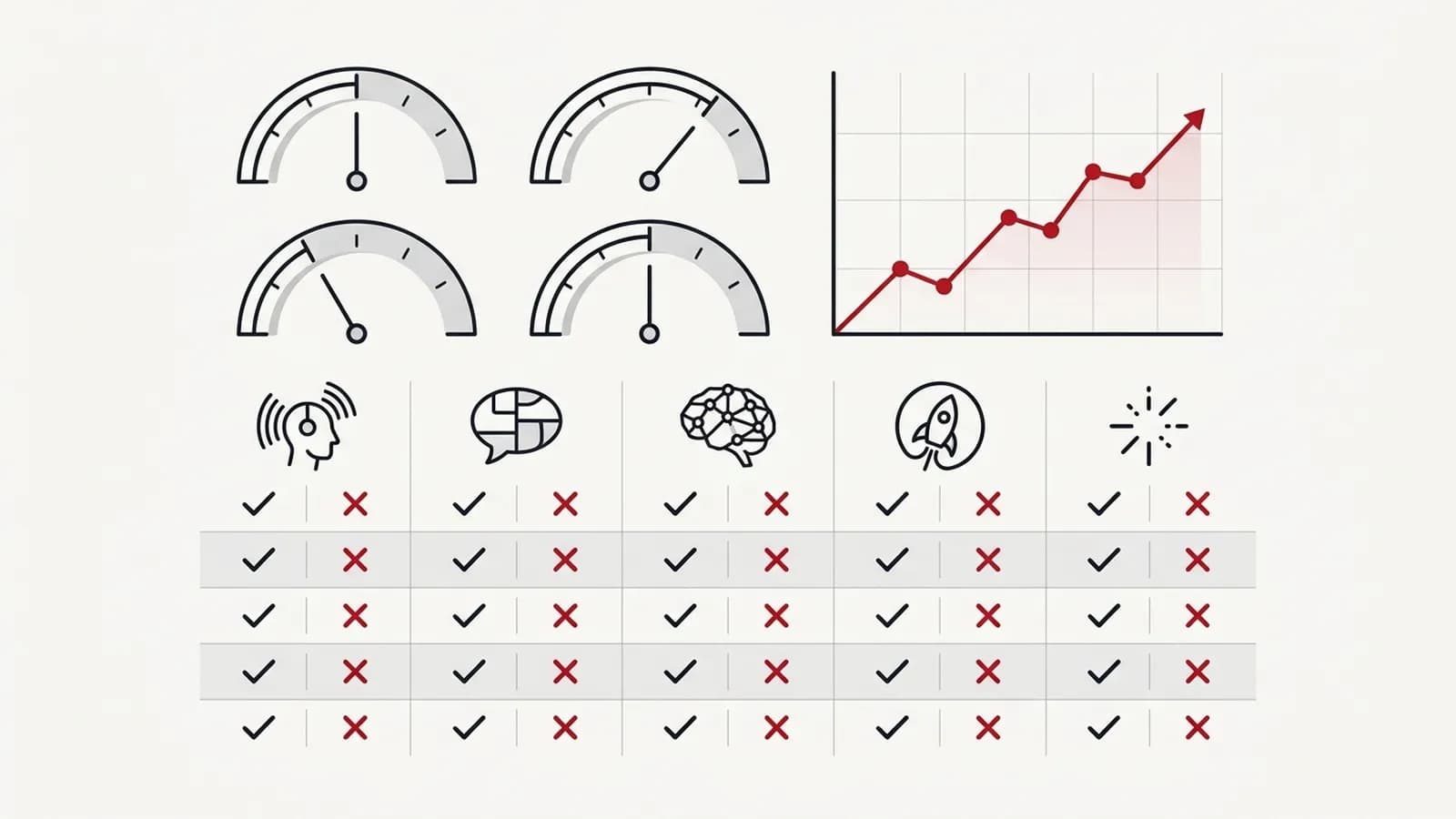
Leading indicators move first and show whether the work is heading in the right direction:
- Pages indexed versus pages submitted in Search Console
- Impressions for target pages and topics
- Average position for a defined set of priority keywords
- Technical issues resolved (crawl errors, redirects, page speed)
- Content published and internal links added against plan
Lagging indicators are the outcomes the business actually cares about:
- Organic clicks and sessions to commercial pages
- Organic conversions (form fills, sign-ups, calls, purchases)
- Organic-sourced pipeline and revenue from the CRM
- Share of non-branded organic traffic
In months one to three, the report should lean on leading indicators and say so plainly. From month four onwards, lagging indicators should take over. If leading indicators are flat after several months, that is a signal to change the plan, not to add more charts.
SEO KPIs that tie to pipeline and revenue
The most valuable line in any SEO report is organic-sourced revenue, and it is also the one most teams cannot produce. Getting there takes set-up in two places.
In GA4:
- Mark genuine business actions as key events (lead form submitted, demo booked, purchase), not page views or scrolls
- Use the default channel grouping to isolate Organic Search, and build a landing-page report filtered to it
- Connect Search Console so you can see queries alongside landing-page conversions
- Record the value of each key event where possible, even as an estimate
In the CRM (HubSpot, Salesforce or similar):
- Capture original source and first landing page on every lead, and make those fields read-only after creation
- Keep UTM parameters and hidden form fields consistent across every form
- Report on opportunities and closed revenue by original source, not just lead counts
Once that is in place, your SEO KPIs become: organic leads, organic opportunities, organic revenue, and conversion rate from organic lead to customer. Be clear that last-click and first-touch models both under-credit or over-credit SEO in different ways. State the model you use and keep it consistent.
Adding AI search visibility to your SEO report
AI Overviews, AI Mode, ChatGPT and Perplexity now influence buying decisions, often without a click. That makes AI search visibility a legitimate new line in SEO reporting, with caveats.
What I include:
- Whether priority pages appear or are cited in Google AI Overviews for tracked queries
- Brand mentions and citations across a fixed set of prompts in major AI assistants
- Branded search trend in Search Console as a proxy for off-site influence
- Referral traffic from AI assistants in GA4, where it is identifiable
These numbers are directional, not precise. Assistant answers vary by user, location and session. I explain the method in how to measure AI search visibility, and if you have not assessed it yet, an AI visibility audit is the right starting point.
What not to put in an SEO report
Every metric earns its place by informing a decision. These usually do not:
- Total keyword count. Ranking for thousands of irrelevant long-tail terms says nothing about revenue.
- Domain Authority or Domain Rating on its own. These are third-party estimates, not Google metrics.
- Raw backlink numbers. Fifty low-quality links are worth less than one relevant, editorial one.
- Bounce rate in isolation. A reader who finds the answer and leaves may be a success.
- Unannotated ranking tables. Positions without context on which pages matter create noise.
- Traffic to pages with no commercial role, reported as if it were a win.
If a report is full of these and light on conversions, that is one of the classic red flags when evaluating an SEO provider. It is also worth checking that you, not the provider, own the GA4 and Search Console accounts the data comes from.
A monthly SEO report template
This is the structure I use for monthly SEO reporting to a marketing lead. It fits on three to five pages.
- Summary (three lines). What changed, why, and the one decision needed.
- Business outcomes. Organic conversions, pipeline and revenue versus last month, last year and target.
- Leading indicators. Impressions, clicks and positions for priority pages and topics.
- Work completed. What shipped against the plan, and what slipped and why.
- AI search visibility. Citations and mentions for tracked prompts, labelled as directional.
- Issues and risks. Technical problems, algorithm updates, competitor moves, tracking gaps.
- Next month. The three to five priorities, with owners and expected impact.
Commentary is the part most reports skip, and it is the part that builds trust. A chart showing traffic down 12% creates anxiety. A sentence explaining it was a seasonal dip that also hit competitors, with conversions holding steady, creates confidence.
A simple test for the structure: can the client answer their main question from the report in under a minute, without asking you? If not, the report is organised around your work, not their decisions.
What a client SEO progress report adds
When the report goes to a client rather than an internal team, it needs three things the template above does not always make explicit:
- The agreed baseline. The starting numbers signed off at onboarding, so every month is compared with the same reference point rather than a moving one.
- The plan-of-action tracker. What shipped this month, what is in progress, and what is next, mapped to the roadmap the client approved.
- Next month's priorities. A short, owned list, so the client knows what to expect and what they need to provide.
With my team, client reporting runs under a Client Communication & Reporting Process, so the structure and cadence stay the same whoever prepares the report.
SEO reporting tools: what to look for
The right tool depends on where your data lives and who reads the report. These are the criteria I would check before choosing one.
| Criterion | Why it matters |
|---|---|
| Data sources | It must connect to Search Console, GA4 and your rank tracking without manual exports |
| White-label and client sharing | Client-facing reports need clean branding, shared links and sensible access control |
| Scheduling and alerts | Reports should go out on time automatically, and sudden drops should be flagged |
| AI search visibility metrics | Citations and mentions in AI answers are now worth tracking alongside rankings |
| Cost model | Pricing per user, per client or per report changes the total cost sharply as you grow |
Commonly used options include Looker Studio, Google's free dashboard tool; AgencyAnalytics, built for client reporting by agencies; Semrush My Reports, which builds reports inside an SEO suite; and DashThis, a marketing dashboard tool. I don't recommend a specific tool; pick the one your data sources and audience need.
How often should you send SEO reports?
Cadence should match how fast the underlying data changes and how fast anyone will act on it.
| Report | Cadence | Why |
|---|---|---|
| Practitioner dashboard | Live, reviewed weekly | Catch technical issues fast |
| Marketing lead report | Monthly | Enough data to see trends |
| Executive summary | Quarterly, with a monthly one-liner | Revenue impact needs time |
| Strategy review | Every six months | Reset priorities and targets |
Weekly reports to senior stakeholders usually do more harm than good: SEO data is noisy week to week and invites overreaction.
Once the structure is agreed, most of the data gathering should be automated. In one operation I led, automating reporting freed over 1,400 hours of manual work, time that went back into analysis and delivery. The step-by-step approach is in my guide to SEO reporting automation, and a free Looker Studio SEO dashboard is a sensible place to start. If you want help designing the reporting system itself, that is part of my marketing operations consulting and SEO automation work.